
Tag: Evernote Transcription
-
Use Evernote as Your Pocket Scanner Anywhere

What if the phone in your pocket could replace your scanner? I’ll show you how to use Evernote as a pocket scanner. Watch My Video Evernote makes it easy to use your phone as a pocket scanner for capturing receipts, documents, handwritten notes, business cards, whiteboards, and meeting materials while you’re on the go, with…
-
Get The Most Out of Evernote’s Audio Recorder
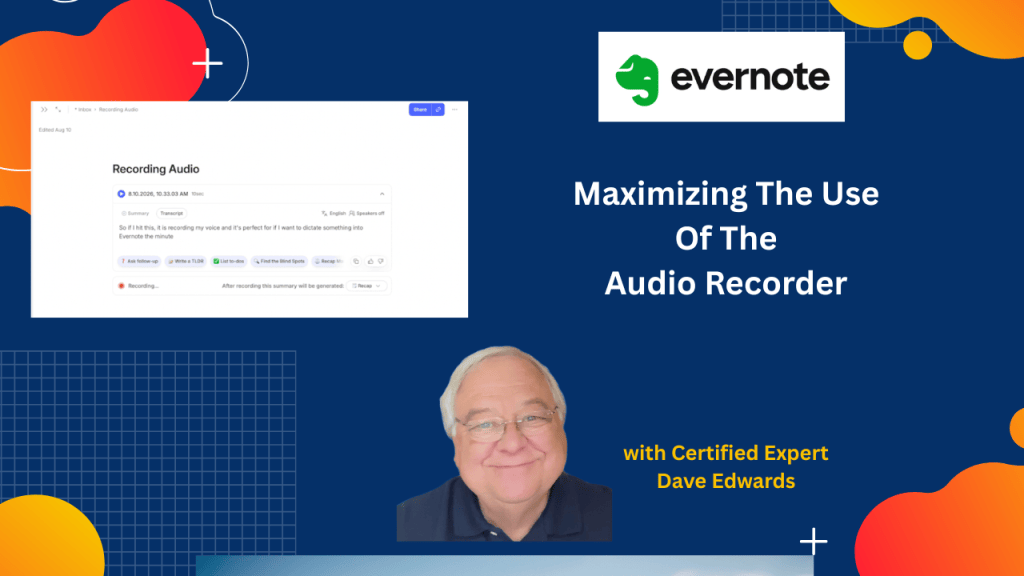
Want to record a meeting, dictate an idea, or capture a conversation in Evernote? The app has several audio recording options, but choosing the right one can make a big difference.
-
Evernote Tools That Anyone Can Use
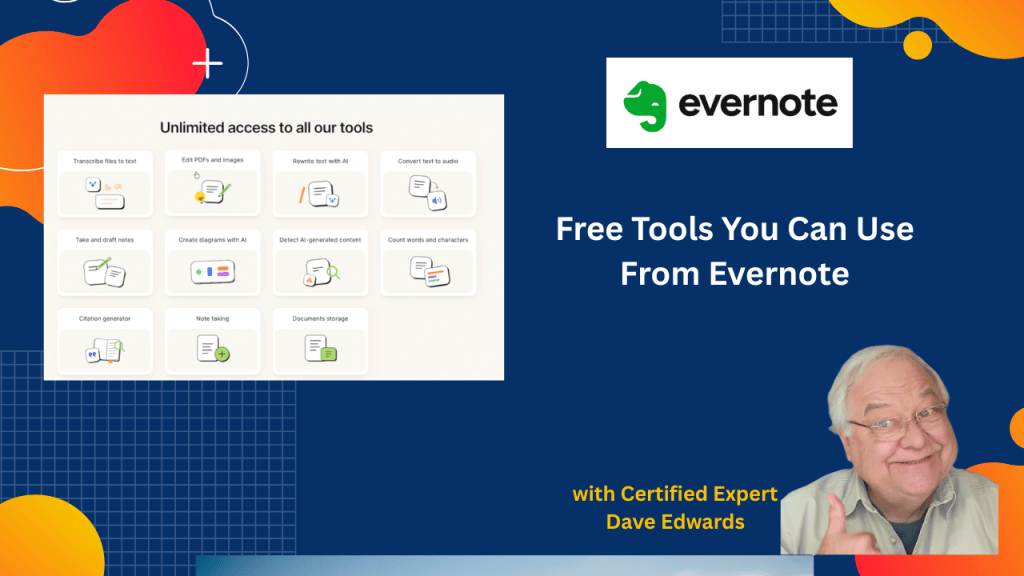
Think you need a paid Evernote plan to use its tools? You might be surprised by the free AI features, PDF tools, and transcription options that are available to everyone.
-
More Ways To Use Evernote’s AI and How To Transcribe Videos
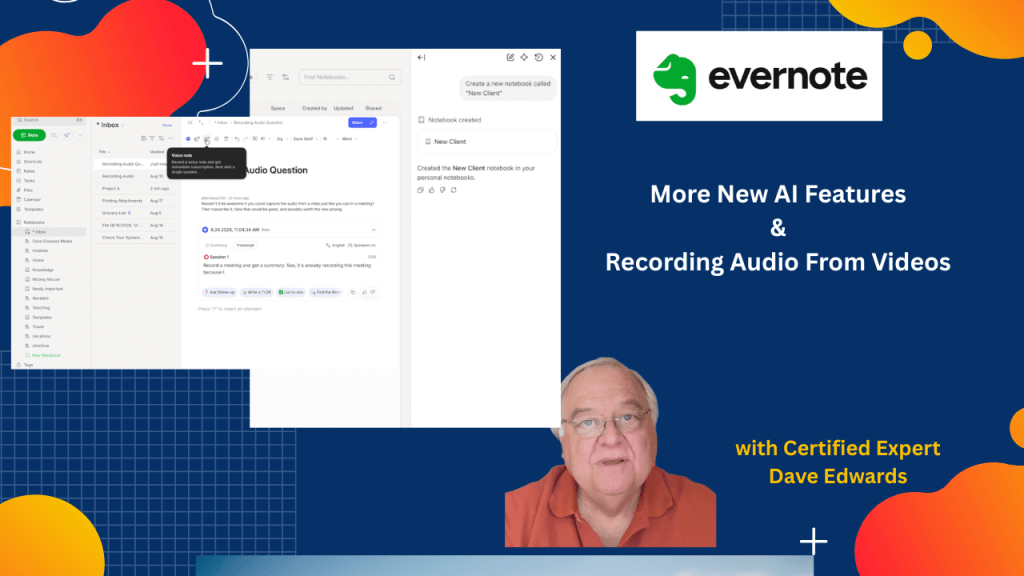
Evernote’s AI assistant can now do more than answer questions. It can create and rename notebooks, move notes, and even help you capture and transcribe audio from videos. Watch My Video Find out more about “Evernote Beyond the Basics,” a step-by-step course designed to help you unlock the full power of Evernote and turn it…
-
Evernote AI Assistant: 3 New Things to Try
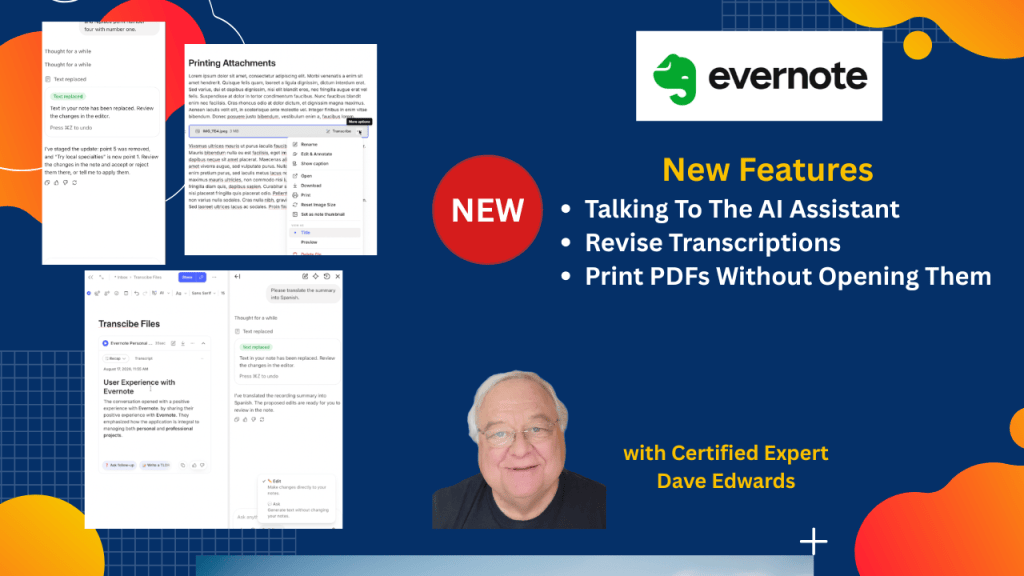
Evernote’s AI Assistant just got more useful. In this video, I’ll show you how Evernote transcription, AI Assistant, dictation, and note editing now work together. Watch My Video I can help you build a simple Evernote setup that fits the way you work. You get one-on-one coaching where I review your notes, spot gaps, and…
-
5 New Evernote Features You Need to See
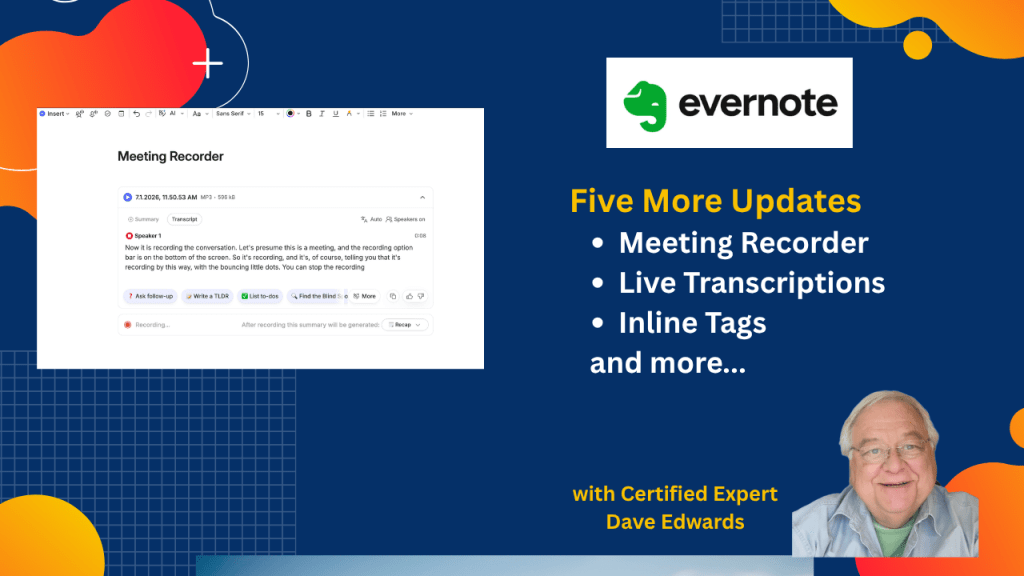
Evernote added several new features that can change how you capture meetings and manage notes.
-
Evernote’s Hidden Transcription Trick
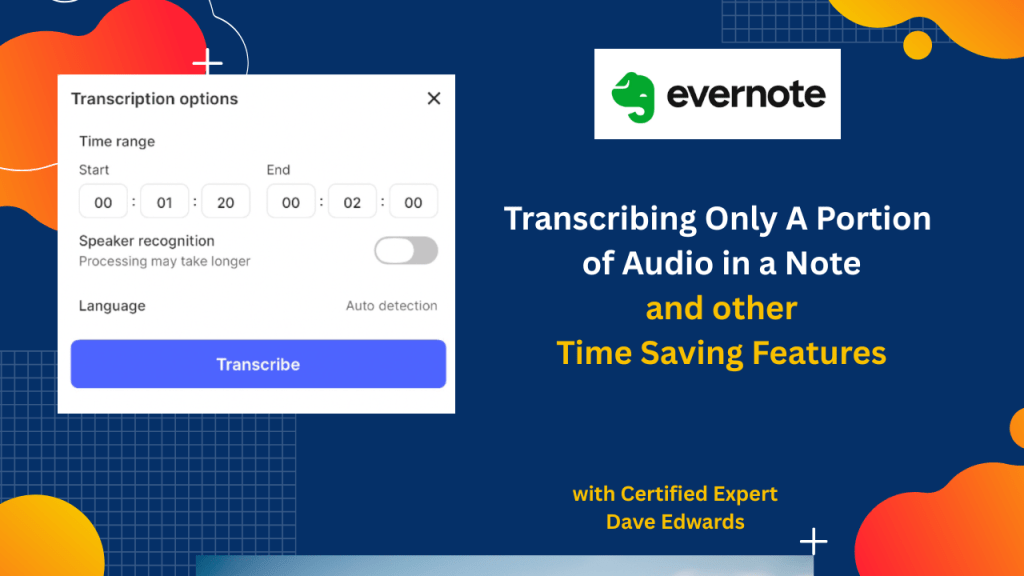
You no longer have to wade through long transcripts in Evernote to find only what you want. Plus, we look at other features you may have missed.
-
New Evernote Features You Need to See
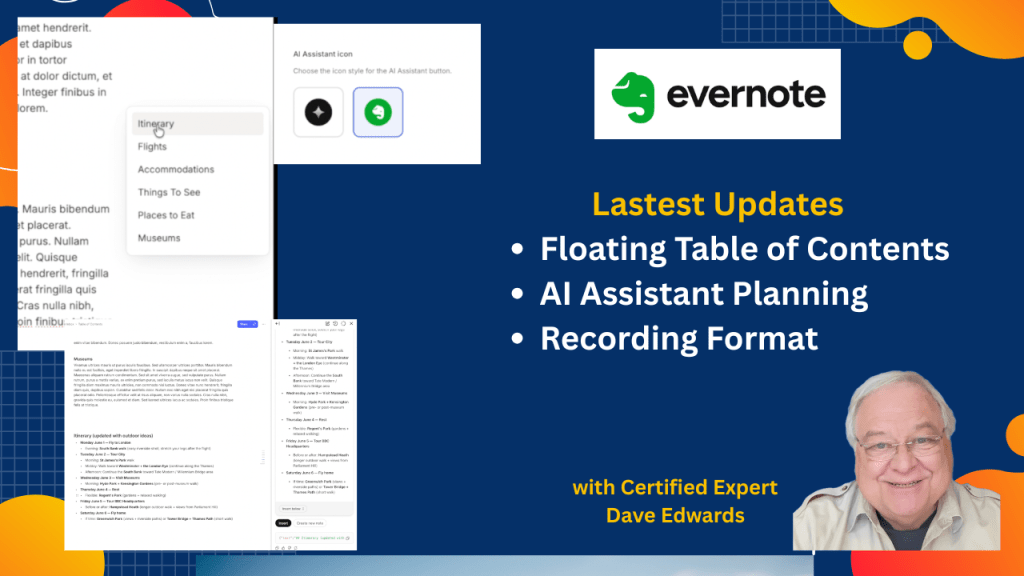
Evernote has made an important change to its audio recording feature, as well as providing greater flexibility to the table of contents, and giving the AI assistant more power.
-
A Few More Changes to Evernote
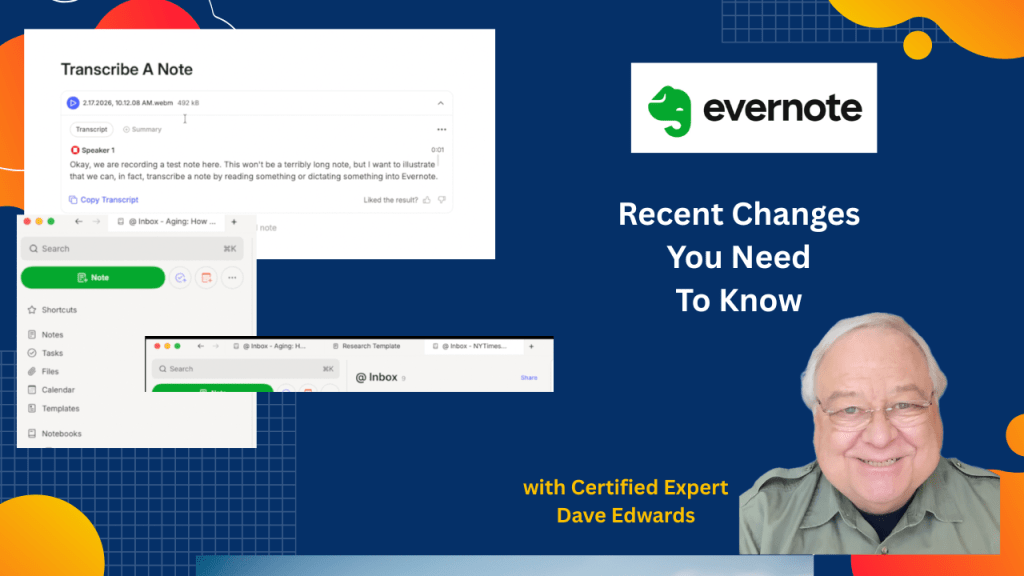
Evernote has made several more changes to the app that you may have missed. One solves a huge transcription problem.
-
An Exciting New Evernote Feature But Also A Controversial Surprise
Evernote has released a new upgrade to the way you can record audio. However, they are also making a mistake that will stress out their customers.
-
Evernote’s Latest Features: PDF Annotation, Transcription & More
What would a week be like without changes to Evernote? In this episode.. There have been changes in the way you can edit a PDF. The images toolbar has changed…some changes to the transcribe button …and more Plus, a viewer question about downloading files.

