
Evernote has made an important change to its audio recording feature, as well as providing greater flexibility to the table of contents, and giving the AI assistant more power.
I can help you build a simple Evernote setup that fits the way you work. You get one-on-one coaching where I review your notes, spot gaps, and guide you toward a cleaner flow. I share my screen to show clear examples and help you shape a system that feels natural. You walk away with a setup you trust and a plan that helps you stay on track every day. Find out more at www.DaveEdwardsMedia/Evernote

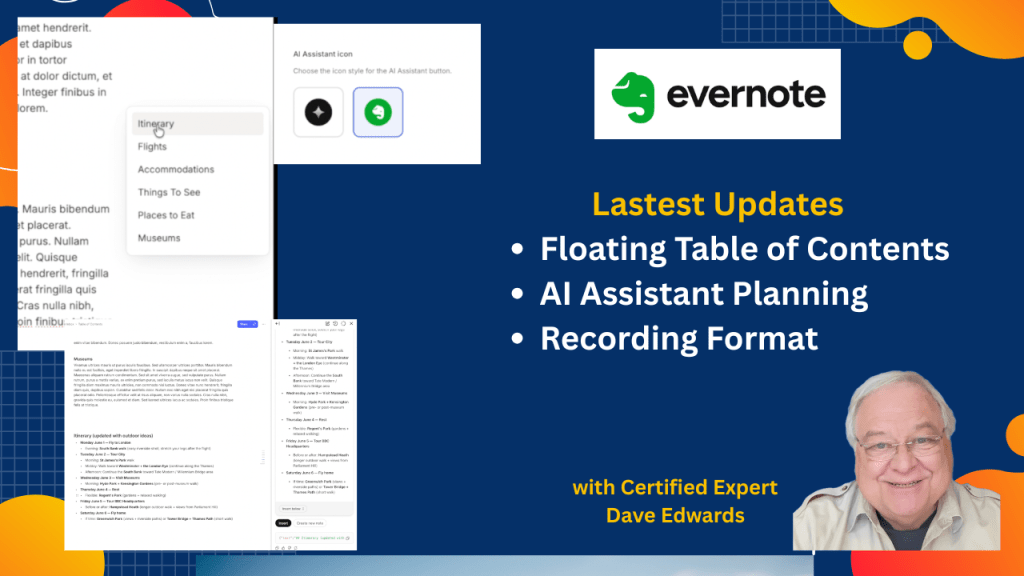
Evernote introduces several powerful updates that improve productivity, workflow efficiency, and note management through smarter AI tools and better navigation features. The floating table of contents allows quick movement within long notes, while collapsible sections help organize complex projects with ease. The AI assistant now creates tasks, builds travel plans, sets reminders, and updates content based on user input, making it a stronger tool for task management and planning. Audio recording now saves in MP3 format, which improves file sharing and compatibility across platforms, and expanded search results make it easier to find information across more notes at once.
- The Evernote AI assistant now creates tasks from notes to improve task management and productivity.
- The AI tool can build detailed travel plans and itineraries using user input.
- Users can set reminders with the AI assistant to manage deadlines more effectively.
- The floating table of contents improves navigation within long notes and complex projects.
- The table of contents automatically updates when sections are moved or reordered.
- Collapsible sections help organize large notes and improve workflow efficiency.
- Evernote search now shows more results, making note discovery faster and easier.
- Audio recording now saves in MP3 format for better compatibility and sharing.
- Older audio files remain in WebM format, which may limit external use.
- Users can customize the AI assistant icon for a more personal workspace experience.

Evernote AI, Evernote update, Evernote new features, Evernote productivity, Evernote tips, Evernote AI assistant, note taking app, task management tools, digital note organization, Evernote workflow, Evernote table of contents, floating table of contents, Evernote search update, audio recording MP3 Evernote, Evernote transcription, productivity apps, project management tools, AI productivity tools, Evernote navigation, Evernote collapsible sections


Leave a Reply