
Tag: Digital Organization
-
Using Evernote Tags for Managing Follow-Ups
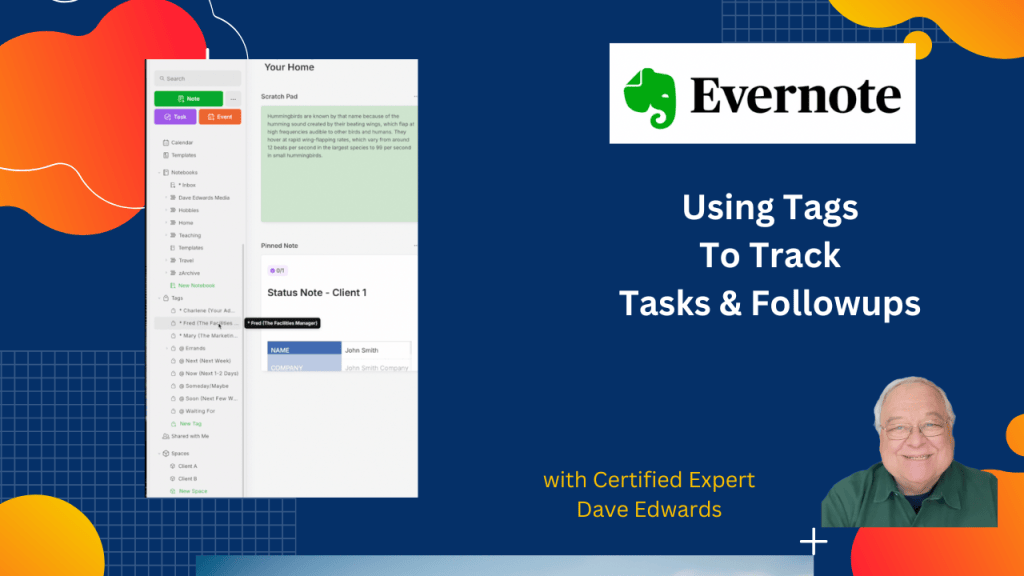
Want a simple way to stay on top of tasks you’ve given others or topics you need to discuss? Let me show you how to use Evernote tags to track assignments, follow-ups, and key talking points with your team.
-
How I Organize Receipts in Evernote

Use Evernote to manage your bills and receipts and avoid the mess of not having a system to keep them organized.
-
How AI Can Help You Get Things Done

Let’s look at how artificial intelligence and voice assistants are transforming productivity through the lens of GTD expert David Allen.
-
David Allen’s Best Email Workflow Tips
What if the biggest email mistake has nothing to do with inbox zero? Learn how Getting Things Done, email management, and better workflows can help you take back control.
-
Staying Productive While On The Road

Why do even the best productivity systems fail during business travel? David Allen, creator of Getting Things Done, shares the simple habits that helped him stay productive through nearly 200 trips each year.
-
Evernote Tools That Anyone Can Use
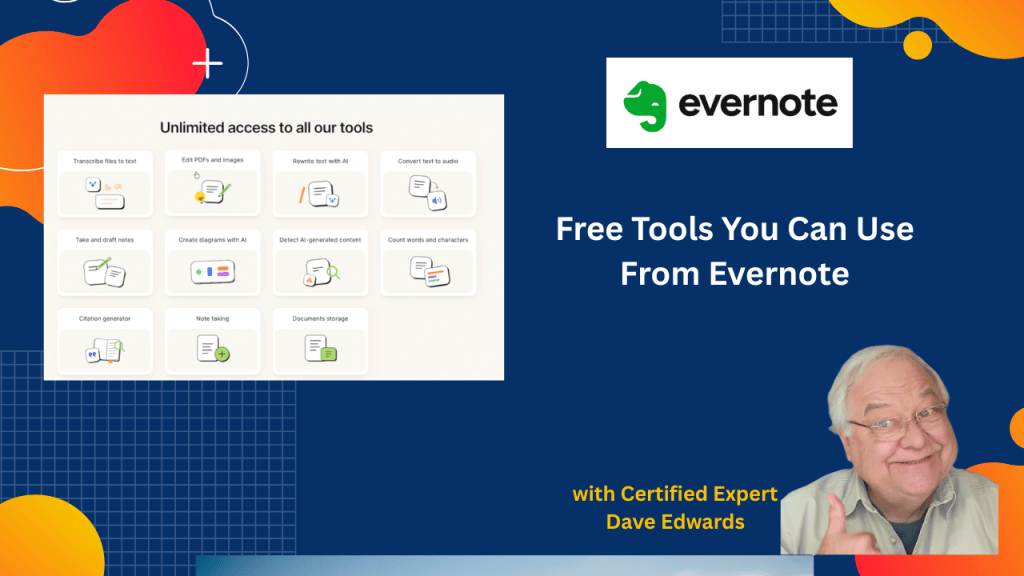
Think you need a paid Evernote plan to use its tools? You might be surprised by the free AI features, PDF tools, and transcription options that are available to everyone.
-
How A Productivity Master Resets His System
In this conversation with David Allen, author of “Getting Things Done” we talk about how he keeps his productivity systems up to date and organized. He also shows us his actual reference file system.
-
Don’t Create A Digital Junk Drawer in Evernote
Building the right Evernote notebook system can keep you from creating a digital junk drawer. Let’s look at how to group notes, create stacks, and name notebooks so every piece of information is exactly where it’s needed.
-
Watch YouTube Videos in Evernote Ad-Free

There’s a way you can watch YouTube videos directly in Evernote without distractions or ads.
-
The GTD Travel Habit David Allen Swears By
Most people think productivity falls apart during travel. David Allen reveals the GTD habits, action support folders, and weekly review methods that helped him stay productive from 30,000 feet in the air to meetings across the globe.
-
Evernote’s Hidden Transcription Trick
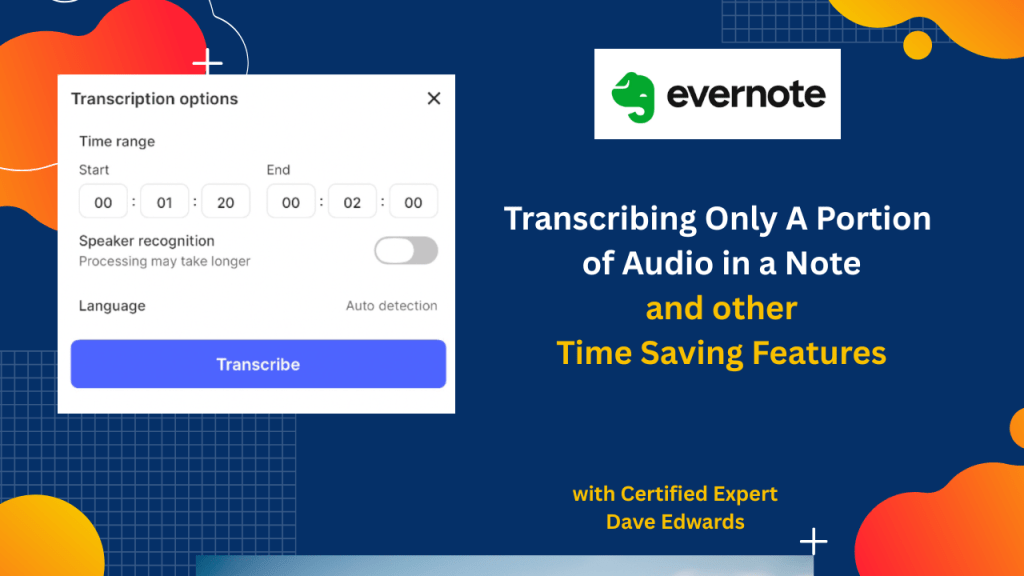
You no longer have to wade through long transcripts in Evernote to find only what you want. Plus, we look at other features you may have missed.
-
New Evernote Updates to the AI Assistant, Slash Commands and More

Evernote has been updating features at a rapid pace, and some of the biggest improvements are easy to miss. Let’s look at what’s new, including updates to what the AI Assistant can do.
-
Stop Saving Notes the Hard Way in Evernote
What if one small change in how you save web pages could save you hours every week? I showed a client an Evernote trick he didn’t know about.
-
The Simple Weekly Habit for Better Task Management
One of the most important elements of productivity is doing a weekly review of your email, tasks, and your calendar. Yet many people resist the weekly review. Here are some ideas to motivate you.
-
Don’t Create A Digital Junk Drawer in Evernote
Building the right Evernote notebook system can keep you from creating a digital junk drawer. Let’s look at how to group notes, create stacks, and name notebooks so every piece of information is exactly where it’s needed.
-
How to Combine GTD and Bullet Journals
GTD or “Getting Things Done” and the “Bullet Journal” are two different systems that promise increased productivity and organization. But can they be used together?
-
Boost Productivity with This Simple GTD/ Evernote Workflow
Following a lot of trial and error, I’ve developed a productivity system that combines the GTD/Getting Things Done methodology with Evernote.
-
How AI Can Help You Get Things Done
Let’s look at how artificial intelligence and voice assistants are transforming productivity through the lens of GTD expert David Allen.
-
Get More Done with This GTD-Evernote Workflow
If you combine the principles of GTD/Getting Things Done with Evernote you get a powerful productivity system. Here’s another way of managing your work with this system.
-
How to Build a Foolproof Reference System in Evernote
Evernote can help your digital life, but without a structured system, it can quickly become cluttered and overwhelming. Let’s look at how to create an efficient Evernote reference system that keeps your notes, documents, and important information neatly organized and easy to find.
-
Evernote Productivity Hack: Open Multiple Notes in New Windows
While working in Evernote, if you want to see the contents from multiple links, you can open them in new windows.

