Tag: Evernote Shortcuts
-
3 Evernote Hacks That Save Time Every Day

You might be missing some Evernote features that can save time every day. In this video, you’ll discover hidden Evernote shortcuts, improved highlight colors, and a task management workaround that can make your workflow much more efficient. Watch My Video Find out more about “Evernote Beyond the Basics,” a step-by-step course designed to help you…
-
Make Evernote Notebooks Stand Out with Emojis

Your notes and notebooks in Evernote don’t have to look boring. Here’s how to create a colorful, organized hub with simple emoji strategies.
-
Watch YouTube Videos in Evernote Ad-Free

There’s a way you can watch YouTube videos directly in Evernote without distractions or ads.
-
Evernote Shortcut Hack
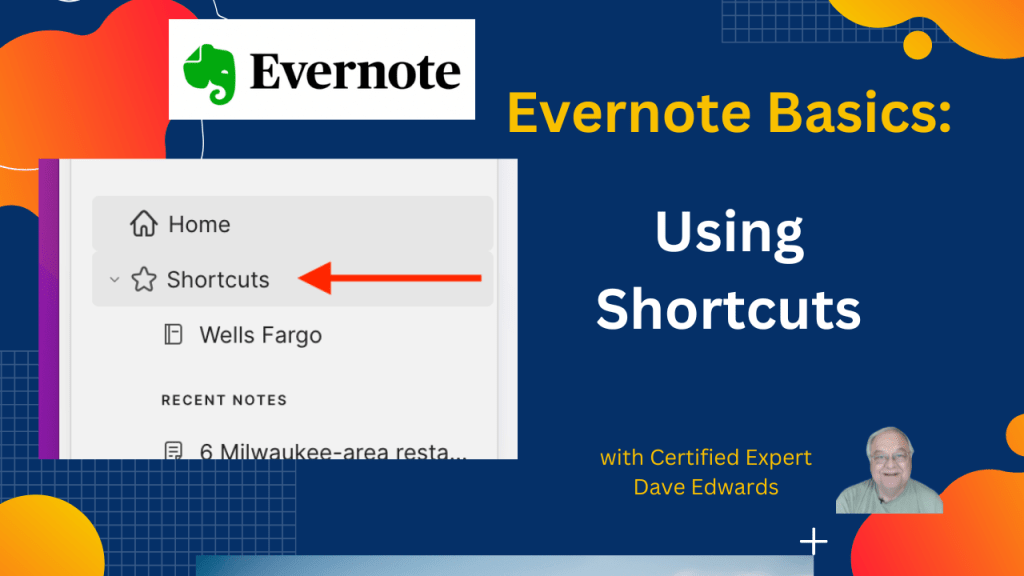
Discover a simple trick that can put your most important notes just one click away.
-
Stop Saving Notes the Hard Way in Evernote
What if one small change in how you save web pages could save you hours every week? I showed a client an Evernote trick he didn’t know about.
-
Are You Using Evernote’s Table of Contents?
If you have a lot of notes for a project in Evernote, you can set up a table of contents to help find what you need fast.
-
The Evernote Shortcut You’re Not Using (But Should)
Evernote has a not-so-hidden feature that could cut your work time in half. Most people never use it—and they’re missing out big.
-
Hidden Evernote Formatting Shortcuts
There are some formatting shortcuts in Evernote that you probably aren’t using, but they can save you time and make you more productive.
-
3 New Evernote Updates: Transcripts, Brainstorms, and Better Search
Today, three new updates to Evernote that will help transcribe meetings, help with your brainstorming, and yet another way to help with search.
-
Using Shortcuts in Evernote
While the primary tools in Evernote are notes and notebooks, the ability to create shortcuts will streamline your workflow.

