
Discover a simple trick that can put your most important notes just one click away.
Whether you are new to Evernote or just want to see how to use it more effectively, my course “Evernote For Beginners” will help.

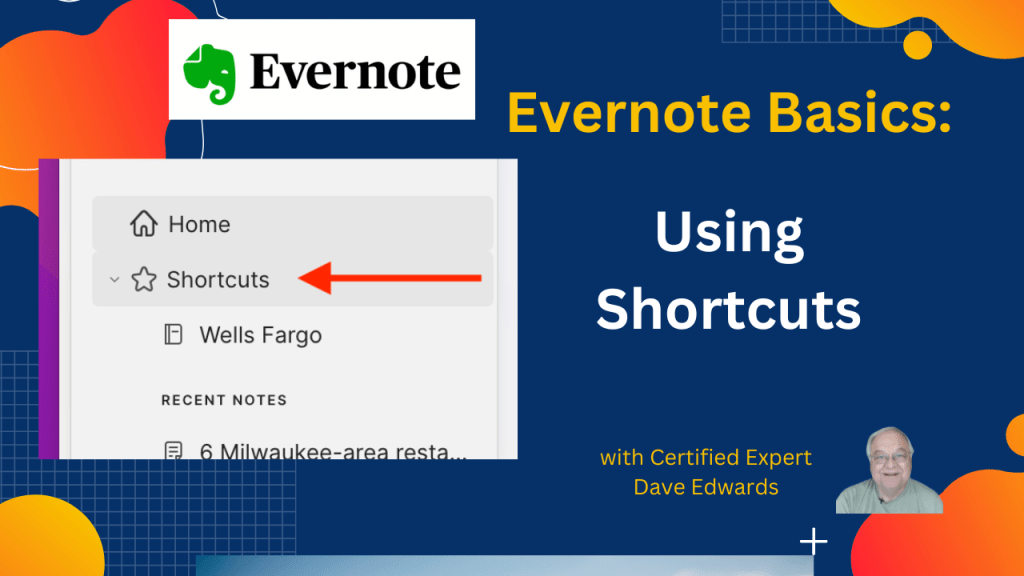
Shortcuts in Evernote let users access notes, notebooks, and tags faster, streamlining workflow and boosting productivity by reducing time spent searching for content. They can include frequently used notes, client or project files, and important tags, making organization simpler and more efficient. Notes and notebooks can be added to shortcuts by dragging them or using menu options, and they can be removed just as easily. This feature supports better note management, faster project access, and improved workflow for both beginners and experienced Evernote users, helping maintain an organized digital workspace while maximizing Evernote’s core tools.
- Use Evernote shortcuts to quickly access notes, notebooks, and tags
- Add notes or notebooks to shortcuts by dragging or using menu options
- Remove shortcuts easily when no longer needed
- Include frequently used client or project notes for faster workflow
- Organize tags in shortcuts for instant access to key topics
- Streamline Evernote note management for beginners and advanced users
- Boost productivity by reducing time spent searching for notes
- Keep important notes always visible in your home screen shortcuts
- Improve project management using shortcuts for recurring tasks or meetings
- Maximize Evernote tools like notebooks, notes, and tags for efficient digital organization

Evernote shortcuts, Evernote tips, Evernote productivity, organize Evernote notes, Evernote notes, Evernote notebooks, Evernote tags, Evernote workflow, Evernote organization, Evernote hacks
 Dave Edwards Media
Leave a comment