
Tag: Evernote note organization
-
How Evernote Toggles Can Organize Long Notes & More AI Features

What do you do when an Evernote note contains too much information? Toggles give you a simple way to organize research, hide details, and keep your notes easier to manage.
-
More Ways To Use Evernote’s AI and How To Transcribe Videos

Evernote’s AI assistant can now do more than answer questions. It can create and rename notebooks, move notes, and even help you capture and transcribe audio from videos. Watch My Video Find out more about “Evernote Beyond the Basics,” a step-by-step course designed to help you unlock the full power of Evernote and turn it…
-
Change Evernote Mobile Font Size & Find Notes Faster

Some users miss two useful features in Evernote mobile. You can change font size for easier reading and find notes faster with search. I will show a simple trick that may replace how you use Evernote tags.
-
Protect Your Evernote Notes on Mobile

Evernote makes it easy to capture ideas fast, but what if your phone edits or deletes a note? There is a way to make sure that doesn’t happen.
-
Connect ChatGPT (And Other AI Platforms) to Evernote & New Date Feature

Evernote just added a feature that opens the door to much deeper AI integration. I’ll show you how to connect ChatGPT to Evernote with MCP, plus a simple date feature that saves more time and just makes sense.
-
Evernote Sketch Tool You May Be Missing
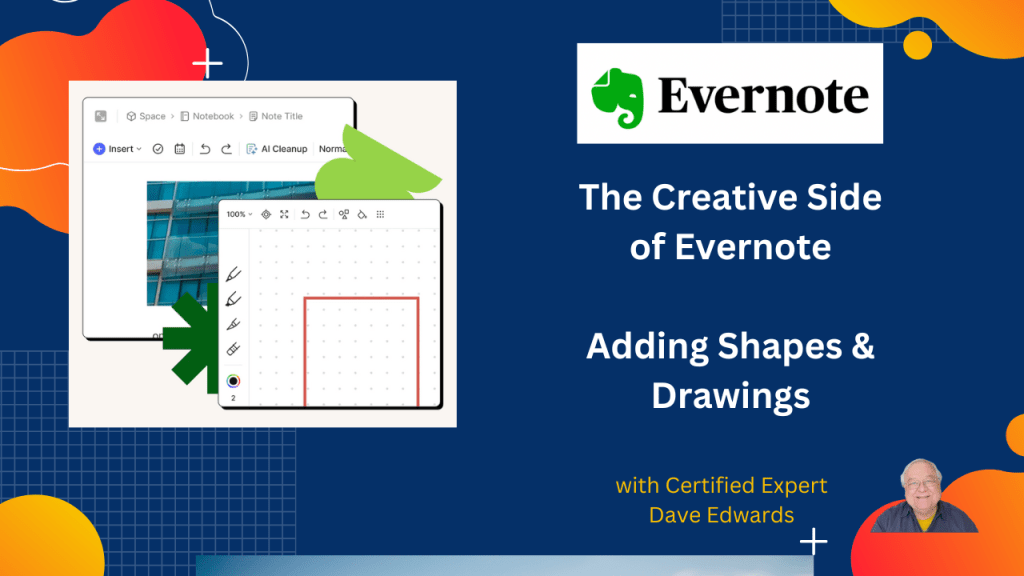
What if your Evernote notes could look more like a whiteboard? There’s a shape tool hidden in Evernote that many users miss.
-
How To Use Evernote’s Call-Outs Feature

Evernote call outs can turn messy notes into clear action plans. Here are some things most Evernote users still miss.
-
Evernote Updates: Pinned Tabs, Wrapped Images, and Calendar Problems
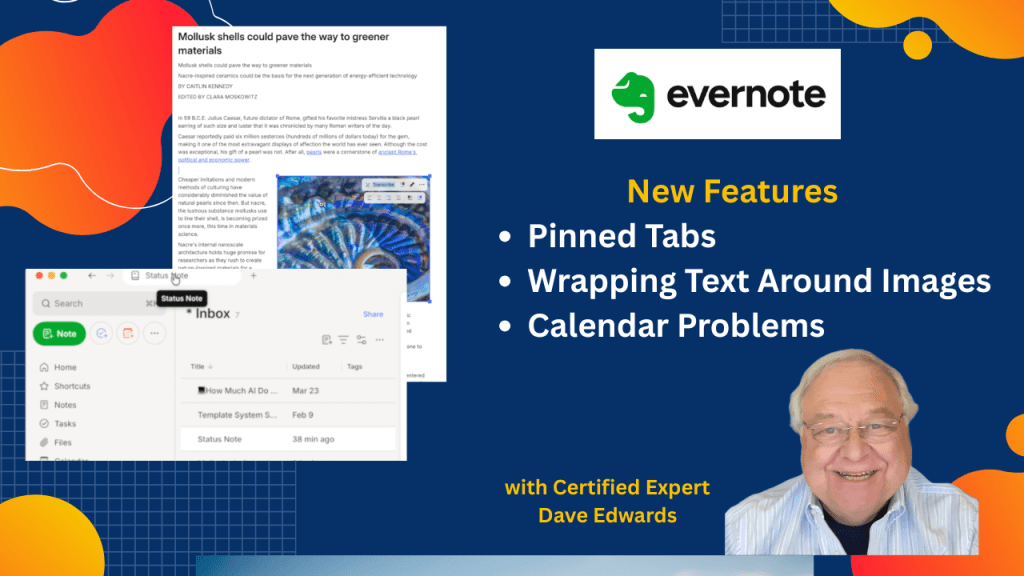
Evernote has added a way to pin tabs and wrap text around images. But they have also recognized problems with calendar integration. Here’s what we know.
-
Evernote Updates Semantic Search & AI Assist
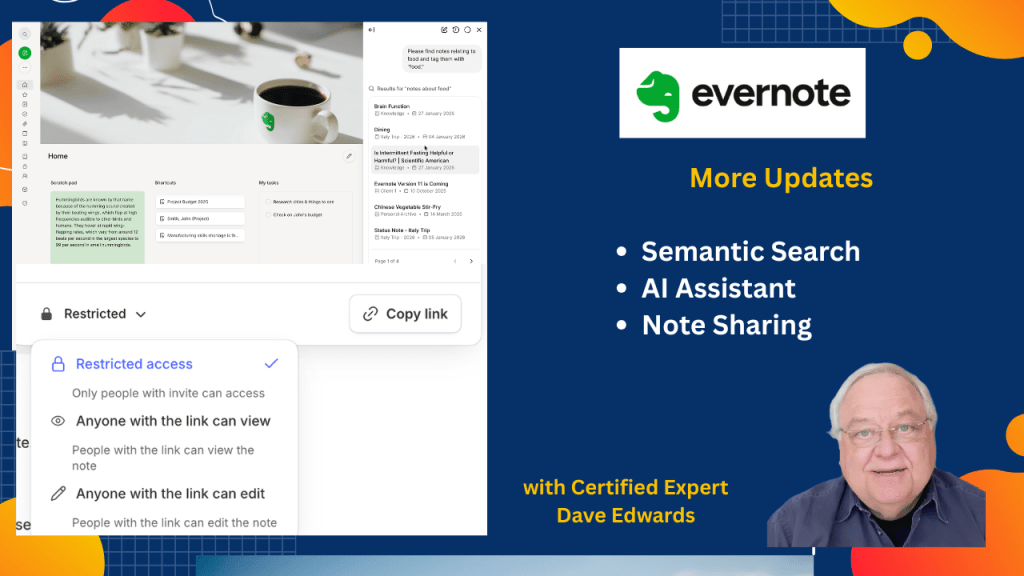
The latest updates to Evernote include changes to semantic search and the AI Assistant, and we look at sharing notes with people who don’t use the app.
-
Removing or Changing Thumbnail Images in Evernote
If you put a lot of notes into Evernote, you can create a lot of clutter, making it challenging to find the notes you are looking for at a glance. There’s a feature you can toggle on or off to help.
-
Evernote’s Legacy Templates Are About To Disappear
If you have been using Evernote’s templates, there’s a significant change coming up in the next week. Here’s what you need to do.

