
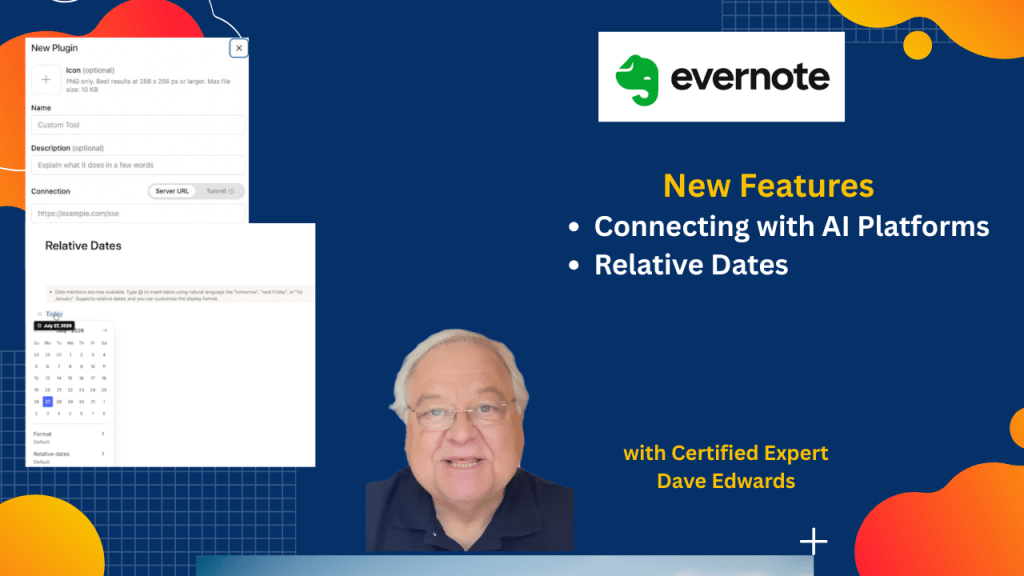
Evernote just added a feature that opens the door to much deeper AI integration. I’ll show you how to connect ChatGPT to Evernote with MCP, plus a simple date feature that saves more time and just makes sense.
Find out more about “Evernote Beyond the Basics,” a step-by-step course designed to help you unlock the full power of Evernote and turn it into your all-in-one productivity system. Whether you’re managing projects, tracking goals, or organizing your personal life, this course shows you exactly how to do it—with real examples, practical templates, and clear explanations.

Evernote MCP expands the way artificial intelligence can work with your notes by allowing ChatGPT and other AI tools to connect directly to your Evernote account through the Model Context Protocol. This integration lets AI search, create, edit, and organize notes, making it easier to manage information and automate everyday workflows. The setup process requires enabling Developer Mode in ChatGPT, adding the Evernote MCP server, and granting the needed permissions. The content also explains the basic parts of MCP, including the host and client, so users understand how the connection works behind the scenes. Another important feature is Evernote’s relative dates, which automatically adjust references such as “today,” “tomorrow,” or “last Monday” as time passes, making project notes and task tracking more accurate and easier to maintain. Together, these new AI features help users build more efficient workflows, keep information current, and get more value from Evernote.
- Evernote MCP allows ChatGPT and other AI tools to connect directly with Evernote.
- MCP stands for Model Context Protocol, an open standard created by Anthropic for connecting AI with external tools and data.
- The integration allows AI to search, create, edit, and delete Evernote notes after permission is granted.
- Users enable the connection by turning on Developer Mode in ChatGPT and adding the Evernote MCP server URL.
- Evernote MCP is currently available in beta for Starter and Advanced plans, with Enterprise support planned.
- The MCP host is the AI application, while the MCP client manages communication between the AI and the Evernote server.
- AI integration with Evernote can improve productivity by reducing manual note management and streamlining workflows.
- Evernote’s relative dates automatically update references like “today,” “yesterday,” and “next Friday” as time passes.
- Relative dates can be used inside both note content and note titles, making project tracking easier.

Evernote MCP, Evernote AI, ChatGPT Evernote integration, Model Context Protocol, MCP setup, Evernote productivity, AI workflow automation, Evernote relative dates, ChatGPT plugins, Evernote beta features, AI note management, Evernote automation, AI productivity tools, Evernote tips, Evernote tutorial, ChatGPT productivity, Evernote workflows, Developer Mode ChatGPT, Anthropic MCP, Evernote note organization


Leave a Reply