
What if your Evernote notes could look more like a whiteboard? There’s a shape tool hidden in Evernote that many users miss.
Find out more about “Evernote Beyond the Basics,” a step-by-step course designed to help you unlock the full power of Evernote and turn it into your all-in-one productivity system. Whether you’re managing projects, tracking goals, or organizing your personal life, this course shows you exactly how to do it—with real examples, practical templates, and clear explanations.

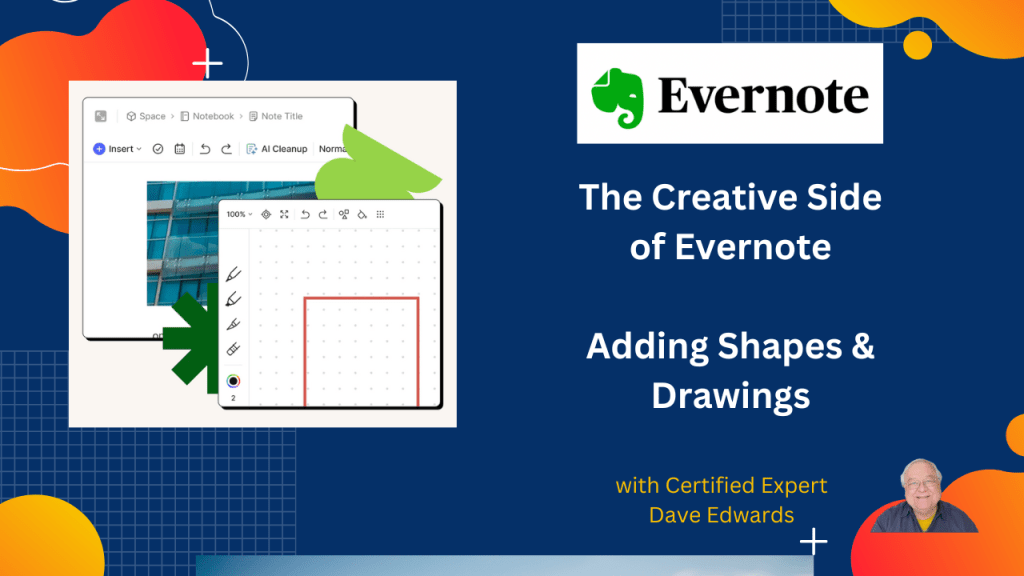
Evernote includes built-in sketch tools that let users draw, highlight, erase, and create clean shapes directly inside notes. Users can open the sketch feature from the Insert menu and add visual elements between paragraphs or beside written content. The snap-to-shape tool automatically turns rough drawings into neat rectangles and other shapes, making visual note taking easier and more organized. Users can also adjust pen size, zoom settings, background colors, and sketch patterns to customize their notes. Keeping Evernote updated is important because new features and fixes are added often. Users can check their current Evernote version, update the app, and review release notes to stay current with the latest Evernote tools and productivity features. The content also highlights Evernote Web Clipper updates and training resources that help users improve note organization, digital planning, and overall productivity.
- Evernote has a built-in sketch tool for drawing directly inside notes.
- Users can access the sketch feature from the Evernote Insert menu.
- The Evernote snap-to-shape tool creates clean rectangles and shapes automatically.
- Users can highlight important content with Evernote drawing tools.
- The erase tool helps clean up sketches and handwritten notes quickly.
- Evernote allows users to change sketch background colors and patterns.
- Users can resize drawing tools and adjust zoom settings for better note editing.
- Updating Evernote helps users access the newest productivity features and fixes.
- Evernote release notes show feature updates, bug fixes, and app improvements.
- Keeping Evernote Web Clipper updated improves note capture and web organization.

Evernote sketch tool, how to draw in Evernote, Evernote drawing tools, Evernote shapes, Evernote snap to shape, Evernote note taking, Evernote productivity tips, Evernote tutorial, Evernote update, Evernote release notes, Evernote Web Clipper, digital note taking, Evernote for beginners, visual note taking, Evernote organization tips, Evernote handwriting tools, Evernote note organization, Evernote app features, sketch inside Evernote, Evernote expert tips


Leave a Reply