
You no longer have to wade through long transcripts in Evernote to find only what you want. Plus, we look at other features you may have missed.
I can help you build a simple Evernote setup that fits the way you work. You get one-on-one coaching where I review your notes, spot gaps, and guide you toward a cleaner flow. I share my screen to show clear examples and help you shape a system that feels natural. You walk away with a setup you trust and a plan that helps you stay on track every day. Find out more at www.DaveEdwardsMedia/Evernote

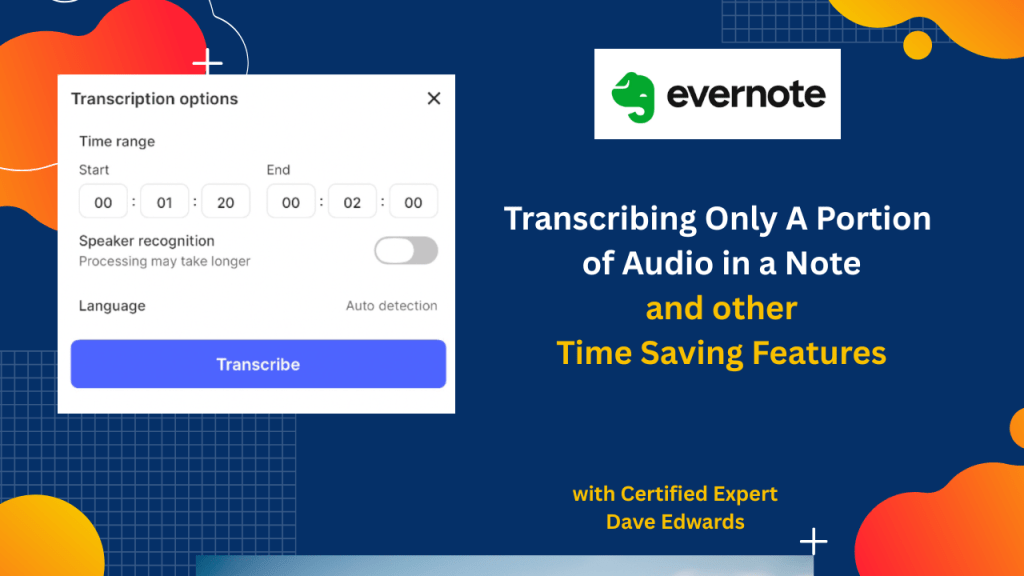
Evernote offers several productivity features that can help users save time and organize information more effectively. One of the most useful tools is the ability to transcribe only selected portions of an audio recording instead of converting an entire meeting or podcast into text. Users can define a start and end point, choose speaker recognition, and select language settings to create more focused transcriptions. The platform also supports quick text formatting through markdown shortcuts, automatic embedding of YouTube videos inside notes, expanded options when using the @ symbol, and better integration with Spaces and Tasks. The discussion also explores the ongoing debate about Evernote AI, with the view that software must continue to evolve to remain competitive and meet changing user needs. Effective use of Evernote features can transform the app from a simple note repository into a complete productivity system for managing notes, meetings, projects, tasks, and information.
- Evernote allows users to transcribe only selected sections of audio recordings.
- Partial audio transcription helps users avoid sorting through unnecessary meeting discussions.
- Users can define exact start and end times for Evernote transcription.
- Speaker recognition can identify different voices during transcription.
- Automatic language detection improves transcription accuracy and convenience.
- Markdown shortcuts allow users to quickly create bold and italic text in notes.
- YouTube links now automatically display video previews inside Evernote notes.
- The @ symbol menu now supports adding Spaces, stacks, and other content directly into notes.
- Evernote Tasks can now better distinguish tasks connected to Spaces.
- Evernote AI tools can improve meeting management, information retrieval, and productivity workflows.

Evernote, Evernote tutorial, Evernote transcription, audio transcription, meeting transcription, Evernote AI, productivity system, note taking app, digital organization, Evernote tips, Evernote features, task management, project management, Evernote Spaces, meeting notes, note organization, YouTube embed in Evernote, markdown formatting, productivity tools, knowledge management


Leave a Reply