
What do you do when an Evernote note contains too much information? Toggles give you a simple way to organize research, hide details, and keep your notes easier to manage.

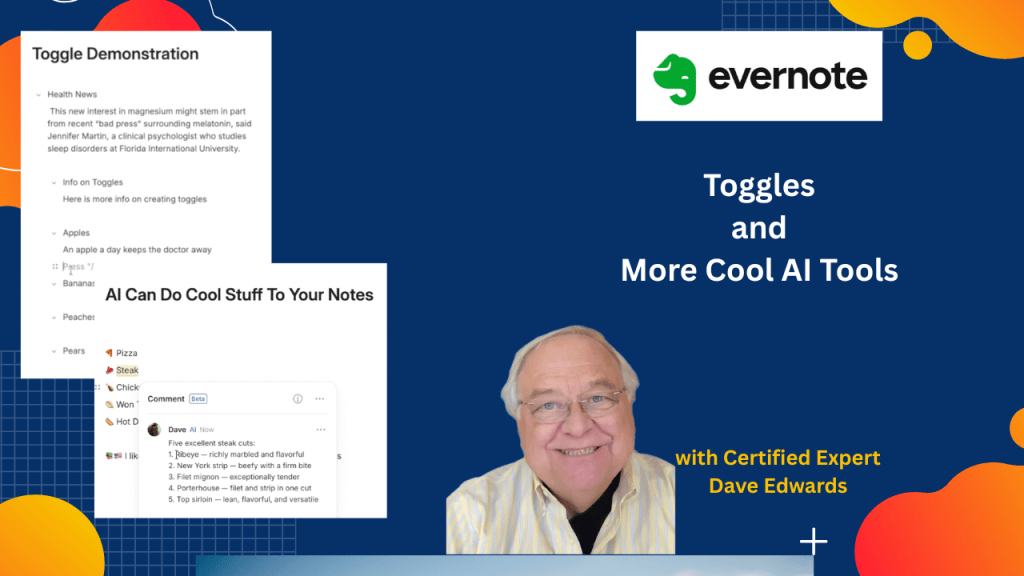
Evernote toggles provide a simple way to organize long notes, hide information, reduce clutter, and focus on the content you need at the moment while Evernote AI Assistant adds more useful tools for editing, organizing, and researching selected text
- Evernote toggles let you hide or show sections of text within a note.
- You can turn a heading into a toggle to organize large amounts of information.
- You can create toggles from regular text without using a header.
- Evernote’s slash command lets you quickly create a new toggle.
- Bullet lists can be converted into toggle lists for easier note organization.
- Toggles are useful for research notes containing many articles, facts, and details.
- You can keep headlines visible while hiding the supporting information below them.
- Evernote AI Assistant can add relevant emojis to selected text and lists.
- Evernote comments can include AI-generated research and additional information.
- You can combine Evernote toggles, comments, and AI Assistant tools to create more organized notes.

Evernote toggles, Evernote tips, Evernote tutorial, Evernote AI Assistant, Evernote notes, organize Evernote notes, Evernote productivity, Evernote research notes, Evernote slash commands, Evernote toggle lists, Evernote comments, Evernote note organization, Evernote features, Evernote productivity tips


Leave a comment