
Tag: Evernote productivity tips
-
More Ways To Use Evernote’s AI and How To Transcribe Videos

Evernote’s AI assistant can now do more than answer questions. It can create and rename notebooks, move notes, and even help you capture and transcribe audio from videos. Watch My Video Find out more about “Evernote Beyond the Basics,” a step-by-step course designed to help you unlock the full power of Evernote and turn it…
-
Change Evernote Mobile Font Size & Find Notes Faster

Some users miss two useful features in Evernote mobile. You can change font size for easier reading and find notes faster with search. I will show a simple trick that may replace how you use Evernote tags.
-
Protect Your Evernote Notes on Mobile

Evernote makes it easy to capture ideas fast, but what if your phone edits or deletes a note? There is a way to make sure that doesn’t happen.
-
Common Evernote Login Problems

Someday, you may encounter issues logging in to Evernote and fear that your notes will be lost forever. Let’s look at 4 of the most common problems and how to deal with them.
-
Take Control of Your Evernote Home Screen

Evernote’s home screen is more customizable than ever—are you using it to its full potential? A few quick tweaks can boost your productivity and streamline your workflow.
-
Evernote Sketch Tool You May Be Missing

What if your Evernote notes could look more like a whiteboard? There’s a shape tool hidden in Evernote that many users miss.
-
Why Evernote AI Just Got Much Smarter

If you haven’t been happy with the responses that Evernote’s AI Assistant gives you, there is a way to train it to improve.
-
Customizing Evernote’s Sidebar Creates More Focus
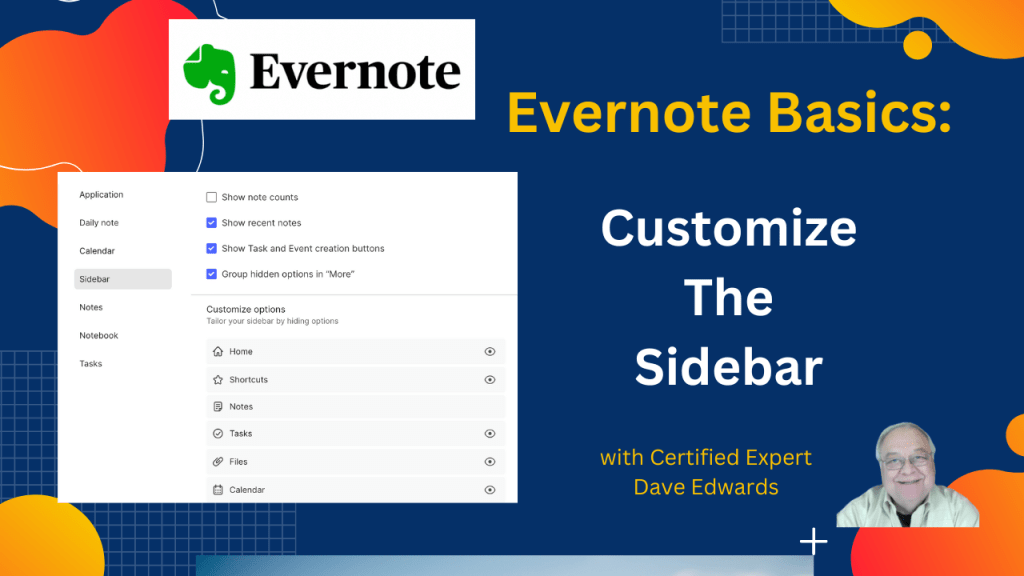
There’s a simple way to reduce clutter and make important elements more visible in Evernote. Customizing your sidebar will help you stay focused.
-
Evernote Updates Semantic Search & AI Assist
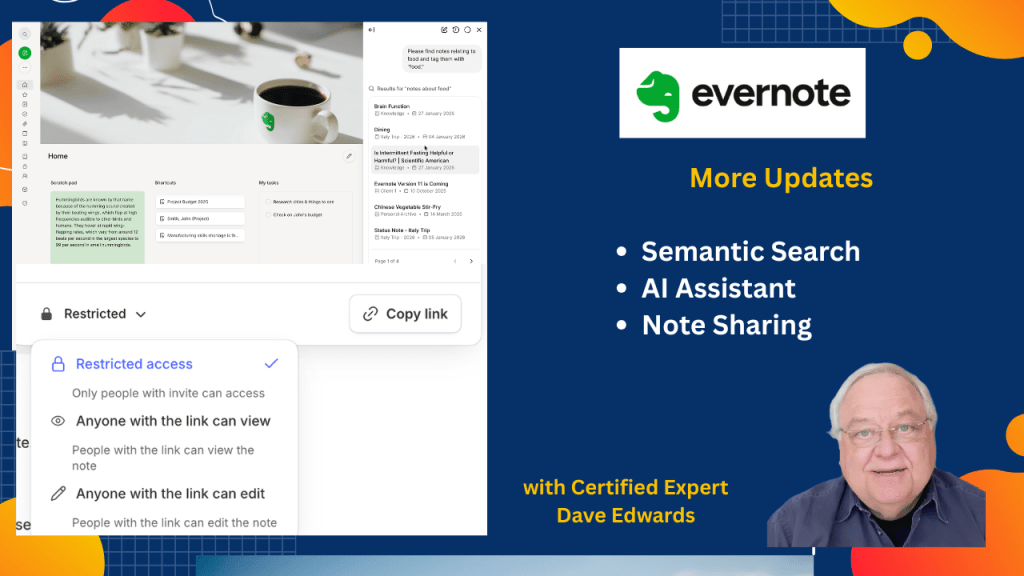
The latest updates to Evernote include changes to semantic search and the AI Assistant, and we look at sharing notes with people who don’t use the app.
-
Evernote Note Sharing Tips That Save You Headaches

Sharing notes in Evernote sounds easy, but the settings matter. The right choices protect your work while improving teamwork and productivity.
-
A Better Way to Save Links in Evernote

Most people save a web link in Evernote the same old way. But you can change how those links appear inside your notes. Plus, organizing tasks by context.
-
Year-End Evernote Updates

Even though we are still waiting for Evernote to roll out “Version 11,” there have been some additional year-end updates.
-
Are You Using Evernote’s Table of Contents?
If you have a lot of notes for a project in Evernote, you can set up a table of contents to help find what you need fast.
-
Evernote Just Improved Its Search Function
Evernote users are already testing a powerful AI upgrade before version 11 launches. Let’s look at the new “Semantic Search” feature.
-
Evernote’s Legacy Templates Are About To Disappear
If you have been using Evernote’s templates, there’s a significant change coming up in the next week. Here’s what you need to do.
-
Evernote Tools Anyone Can Use
In recent years, Evernote has been introducing numerous new features. And they have also been testing out new features in beta, and you and I get to try them out. They exist not in the Evernote app… but instead in standalone websites.

