
Tag: Evernote AI
-
Evernote Image Captions: Why They Matter and Searching Notes
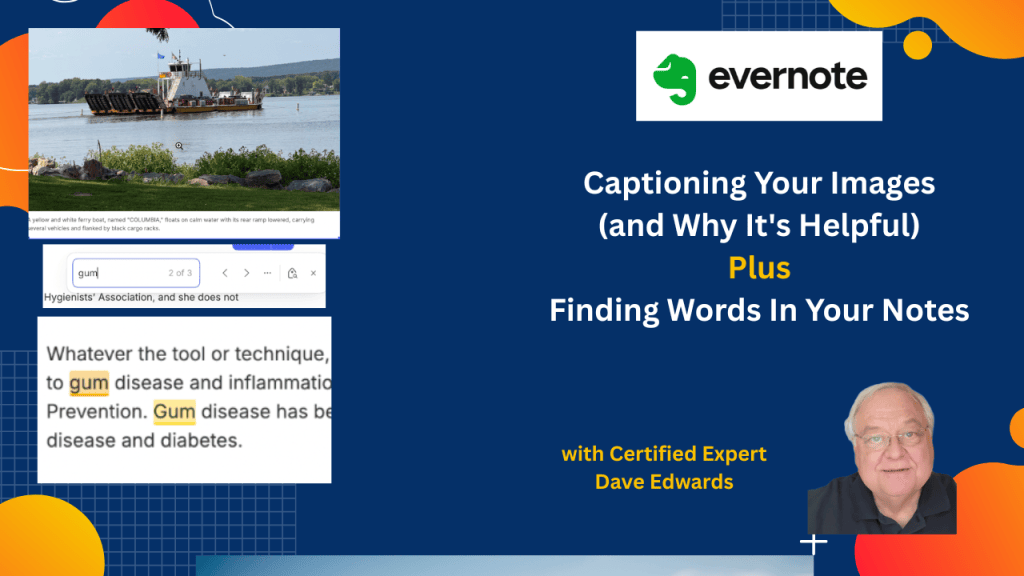
Have you ever saved a photo in Evernote and then struggled to find it months later? There’s a way to make those images more useful, and it starts with automatic captions. I’ll show you how to use that feature, search inside long documents, and find Evernote notes through Mac Spotlight.
-
Evernote Tools That Anyone Can Use
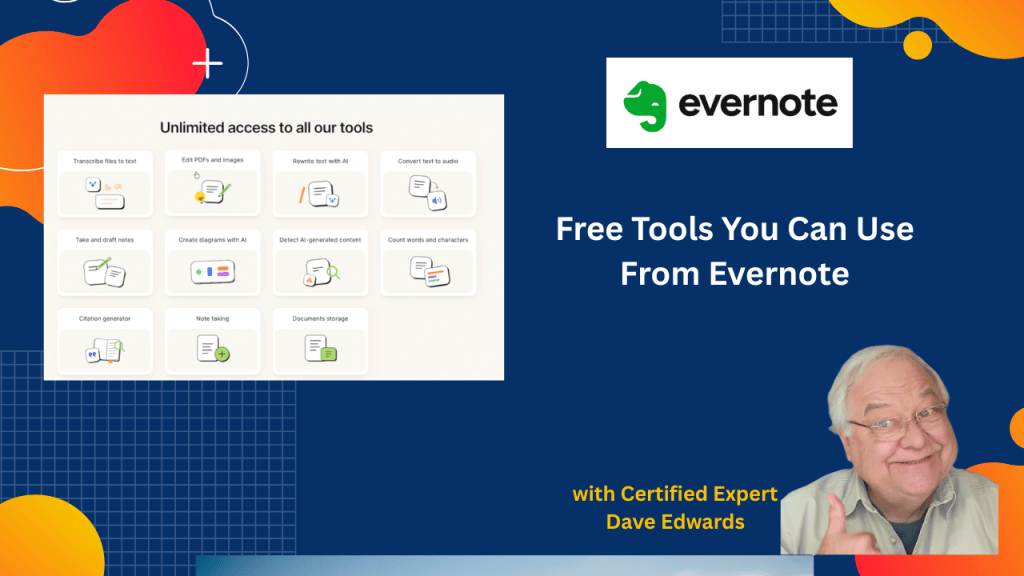
Think you need a paid Evernote plan to use its tools? You might be surprised by the free AI features, PDF tools, and transcription options that are available to everyone.
-
More Ways To Use Evernote’s AI and How To Transcribe Videos
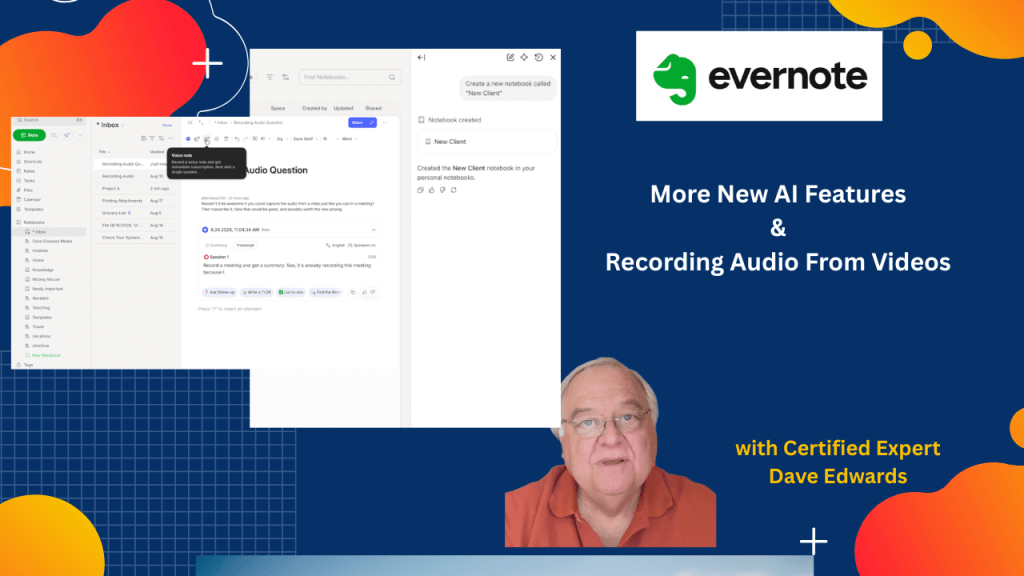
Evernote’s AI assistant can now do more than answer questions. It can create and rename notebooks, move notes, and even help you capture and transcribe audio from videos. Watch My Video Find out more about “Evernote Beyond the Basics,” a step-by-step course designed to help you unlock the full power of Evernote and turn it…
-
Evernote AI Assistant: 3 New Things to Try
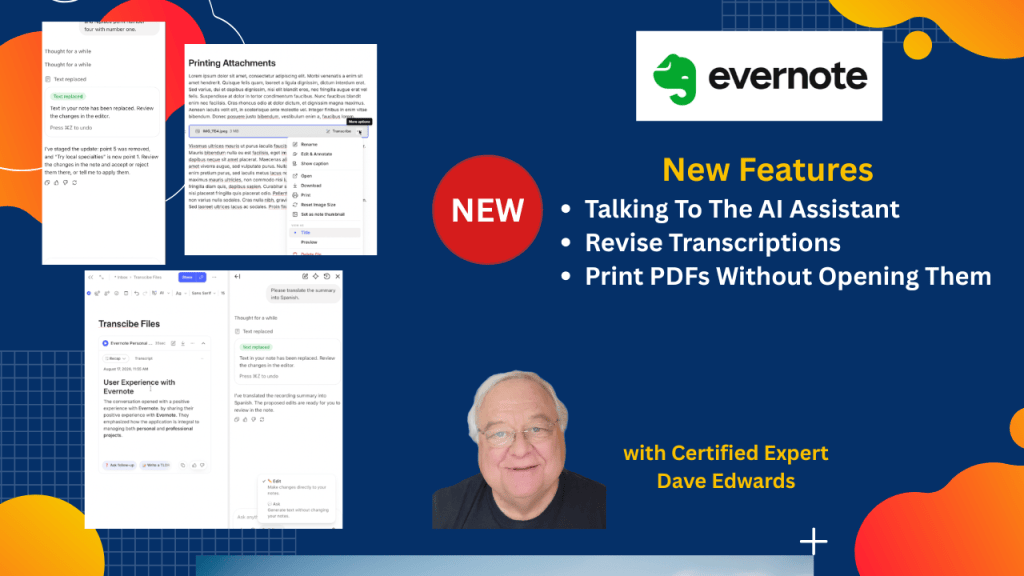
Evernote’s AI Assistant just got more useful. In this video, I’ll show you how Evernote transcription, AI Assistant, dictation, and note editing now work together. Watch My Video I can help you build a simple Evernote setup that fits the way you work. You get one-on-one coaching where I review your notes, spot gaps, and…
-
Connect ChatGPT (And Other AI Platforms) to Evernote & New Date Feature
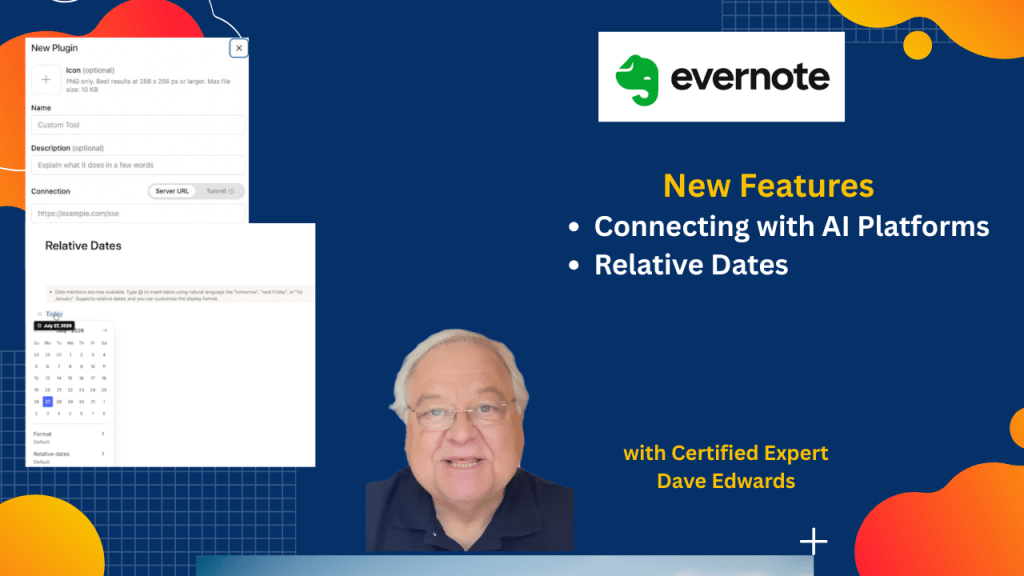
Evernote just added a feature that opens the door to much deeper AI integration. I’ll show you how to connect ChatGPT to Evernote with MCP, plus a simple date feature that saves more time and just makes sense.
-
5 New Evernote Features You Need to See
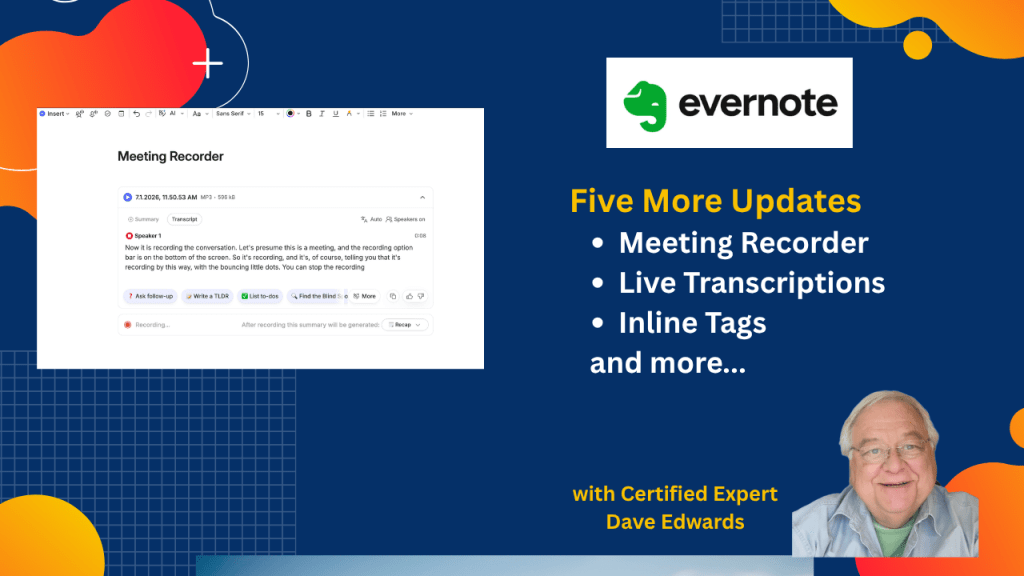
Evernote added several new features that can change how you capture meetings and manage notes.
-
Evernote’s Hidden Transcription Trick
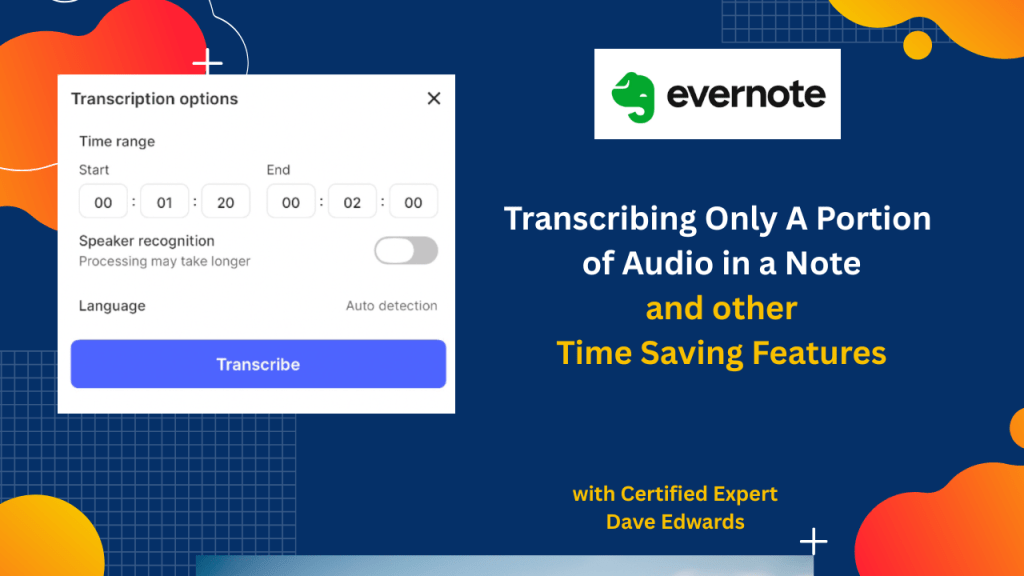
You no longer have to wade through long transcripts in Evernote to find only what you want. Plus, we look at other features you may have missed.
-
Why Evernote AI Just Got Much Smarter
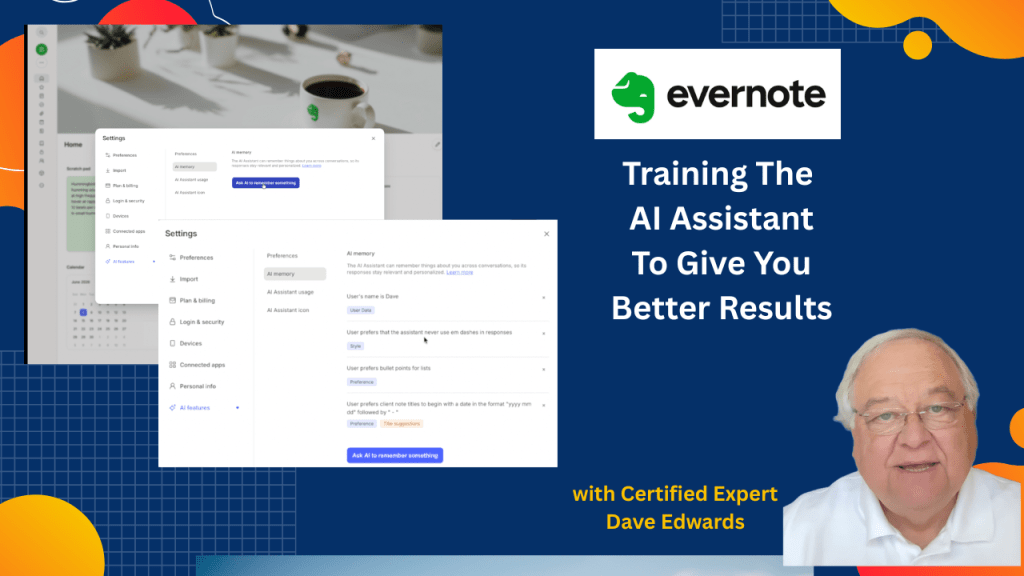
If you haven’t been happy with the responses that Evernote’s AI Assistant gives you, there is a way to train it to improve.
-
New Evernote Features You Need to See
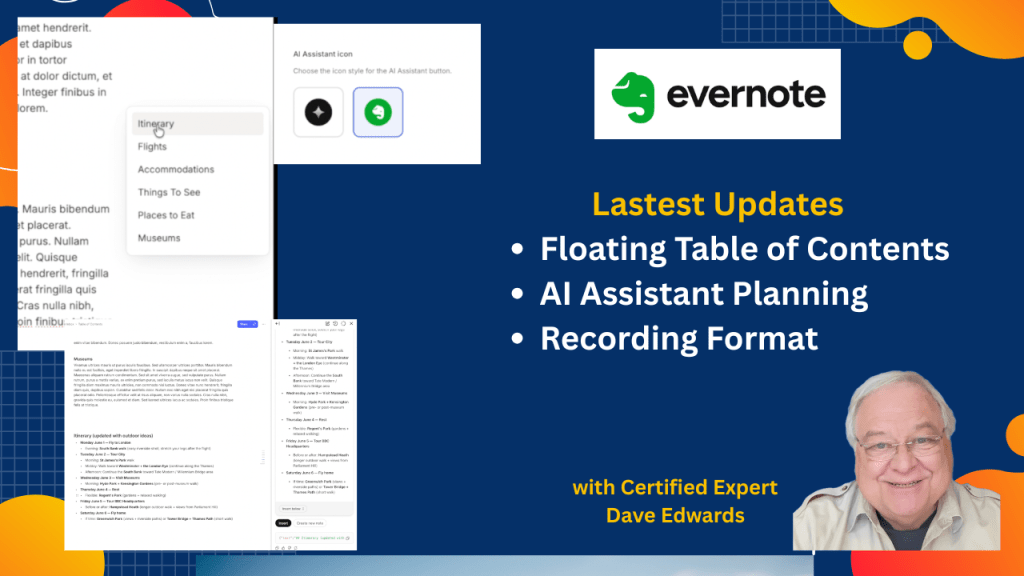
Evernote has made an important change to its audio recording feature, as well as providing greater flexibility to the table of contents, and giving the AI assistant more power.
-
I’ve Stopped Using this Evernote Feature
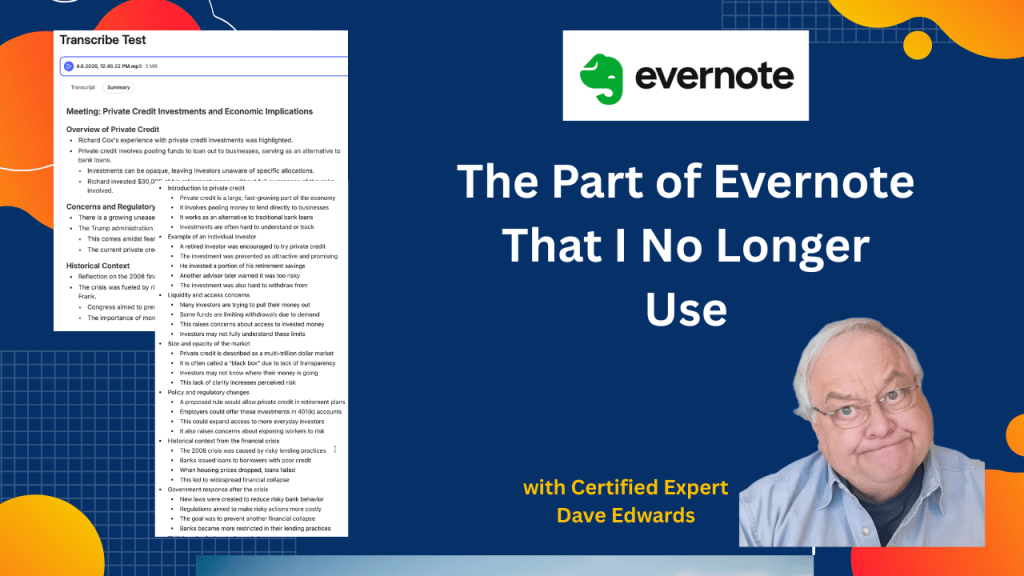
Evernote has lots of great features, but I’ve stopped using one of them. Let me show you why.

