
Evernote added several new features that can change how you capture meetings and manage notes.
I can help you build a simple Evernote setup that fits the way you work. You get one-on-one coaching where I review your notes, spot gaps, and guide you toward a cleaner flow. I share my screen to show clear examples and help you shape a system that feels natural. You walk away with a setup you trust and a plan that helps you stay on track every day. Find out more at www.DaveEdwardsMedia/Evernote

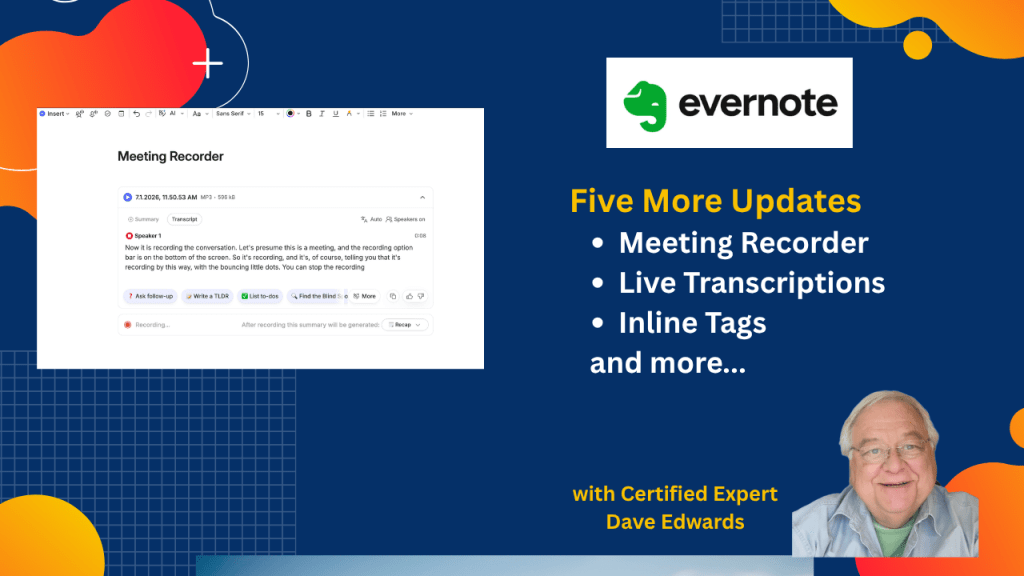
Evernote continues to expand its productivity features with updates that improve meeting recording, AI note management, note organization, and user workflow. The meeting recorder now offers microphone selection, recording pause and resume controls, flexible AI summaries, and live transcription for users who need real-time text during meetings or lectures. The AI Assistant now creates direct links to matching notes when answering questions, making it easier to locate information quickly, and it can organize reminders by due dates to improve task management. A simple tag shortcut lets users insert existing tags directly within a note, making note organization faster and more consistent. Forum notifications have also been refined to reduce email overload while keeping users informed of new comments and replies. Mac users continue to receive Evernote updates through the normal rollout process, although new releases may take several days to reach every device, with manual downloads available for users who want immediate access to the latest version.
- Evernote’s meeting recorder now lets users choose from multiple connected microphones before recording.
- Users can pause and resume meeting recordings without creating multiple audio files.
- AI-generated meeting summaries can be organized as recaps, topics, or key points.
- Live transcription displays spoken words in real time during meetings and presentations.
- The new inline tag shortcut allows users to insert existing tags directly while writing notes.
- Evernote AI Assistant now includes direct links to matching notes within search results.
- AI Assistant can display note reminders and organize them by due dates and times.
- Updated forum notifications reduce excessive emails while keeping discussions active.
- Evernote updates are released in stages, so new features may appear several days after announcement.
- Users who want the newest Evernote version immediately can manually download the latest release from the official website.

Evernote, Evernote update, Evernote AI, Evernote AI Assistant, Evernote meeting recorder, Evernote live transcription, Evernote transcription, AI meeting notes, AI summaries, Evernote productivity, note organization, Evernote tags, Evernote reminders, Evernote search, note links, Evernote Mac app, Evernote desktop app, Evernote notifications, productivity software, digital note taking


Leave a Reply