
Evernote’s AI Assistant just got more useful. In this video, I’ll show you how Evernote transcription, AI Assistant, dictation, and note editing now work together.
I can help you build a simple Evernote setup that fits the way you work. You get one-on-one coaching where I review your notes, spot gaps, and guide you toward a cleaner flow. I share my screen to show clear examples and help you shape a system that feels natural. You walk away with a setup you trust and a plan that helps you stay on track every day. Find out more at www.DaveEdwardsMedia/Evernote

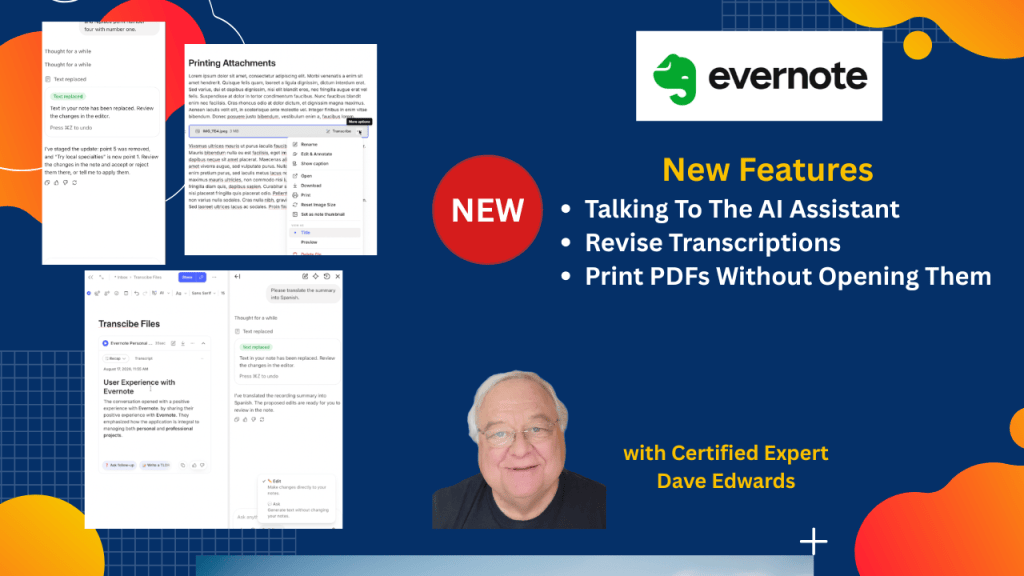
Evernote continues to add useful AI features that can make note-taking, transcription, dictation, editing, translation, and organization easier. Evernote AI Assistant can work with recorded audio by creating transcripts and summaries, removing speaker names, translating text, and regenerating content based on simple requests. AI Assistant can also create new ideas, add them to existing Evernote notes, and make changes directly within those notes. The combination of Evernote AI, voice dictation, and note editing gives users more ways to capture and organize information without typing everything manually. Evernote has also improved printing, making it easier to print notes and attachments without opening images or PDFs first.
- Evernote AI Assistant can now work with recorded audio and create useful transcripts and summaries.
- Evernote transcription can be edited through natural language commands using AI Assistant.
- Evernote AI can remove speaker identifications from transcribed recordings.
- Evernote AI Assistant can translate summaries and other note content into different languages.
- Users can regenerate Evernote transcripts through the AI Assistant or the note menu.
- Evernote voice dictation works well with AI Assistant for hands-free note creation and editing.
- AI Assistant can generate ideas and add those ideas directly into existing Evernote notes.
- Evernote AI can make requested changes to note content, including removing or replacing information.
- Users can choose between suggested AI-generated changes and changes made directly to their notes.
- Evernote printing now makes it easier to print notes, images, PDFs, and other attachments without opening them first.

Evernote AI, Evernote AI Assistant, Evernote transcription, Evernote dictation, Evernote voice notes, Evernote audio transcription, Evernote note taking, Evernote productivity, Evernote printing, Evernote features, Evernote updates, AI note taking, AI transcription, AI note editing, Evernote tips, Evernote tutorial
 Dave Edwards Media
Leave a comment