
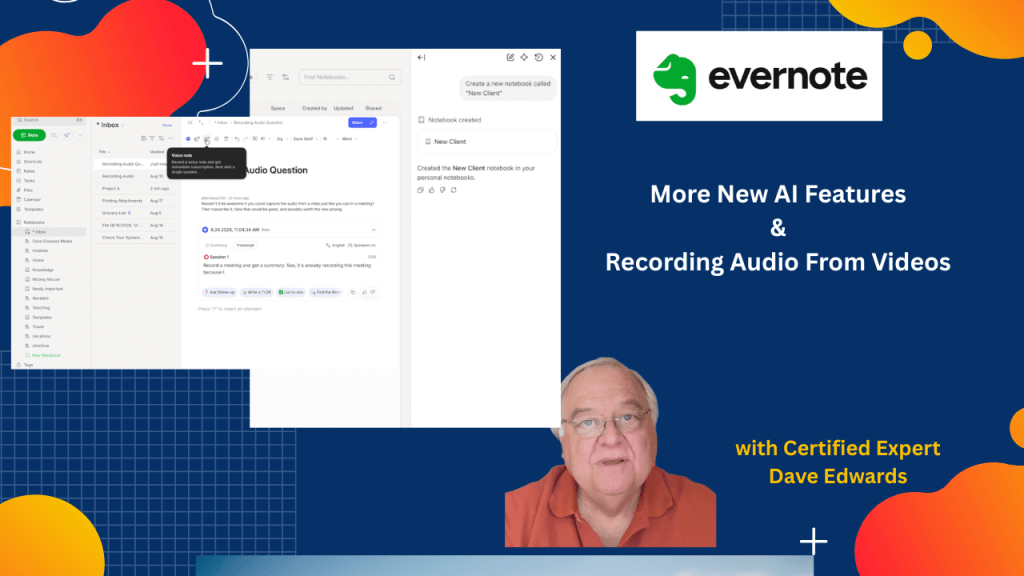
Evernote’s AI assistant can now do more than answer questions. It can create and rename notebooks, move notes, and even help you capture and transcribe audio from videos.
Find out more about “Evernote Beyond the Basics,” a step-by-step course designed to help you unlock the full power of Evernote and turn it into your all-in-one productivity system. Whether you’re managing projects, tracking goals, or organizing your personal life, this course shows you exactly how to do it—with real examples, practical templates, and clear explanations.

Evernote AI is becoming a more powerful tool for managing notes, notebooks, tasks, voice recordings, and transcripts, with the latest AI assistant updates allowing users to create and rename notebooks, create notes, move content, and manage Evernote through voice commands while Evernote’s audio recording tools can also capture and transcribe audio from videos, helping users turn video content into searchable notes and summaries, while other Evernote features include font colors, highlight colors, bright color palettes, note settings, and user feature requests for custom note backgrounds, making Evernote a useful productivity tool for organizing information, capturing content, and managing daily work
- Evernote AI can create new notebooks based on simple user commands.
- The Evernote AI assistant can rename existing notebooks without manual editing.
- Users can create new Evernote notes through AI commands.
- Evernote AI can move notes between notebooks, making note organization easier.
- Voice commands can help users manage Evernote without typing.
- Evernote can record audio from videos and create an automatic transcription.
- Recorded audio can also receive an AI-generated summary when enough content exists.
- Evernote offers font color and highlight color options for formatting notes.
- Users can switch between pastel and brighter highlight color palettes in Evernote settings.
- Evernote users can suggest new features, including custom note background colors, through Evernote feedback channels.

Evernote AI, Evernote AI Assistant, Evernote productivity, Evernote tips, Evernote features, Evernote audio recording, Evernote transcription, video transcription, Evernote voice commands, Evernote note organization, Evernote notebooks, Evernote notes, Evernote AI tools, Evernote settings, Evernote colors, Evernote productivity tips, Evernote power user


Leave a Reply