
Want to record a meeting, dictate an idea, or capture a conversation in Evernote? The app has several audio recording options, but choosing the right one can make a big difference.

Evernote makes it easy to capture voice notes, meetings, conversations, and ideas through several audio recording tools, including Voice Note and Meeting Recorder, while also creating searchable transcripts that make information easier to find later. Users can record directly within Evernote on desktop or the web app, pause recordings, select microphones, transcribe audio in real time, or upload existing MP3, M4A, WAV, and AAC files into notes. Evernote also supports audio recorded through other devices, including Apple’s iPhone call recording feature, which can then be shared or uploaded into Evernote for storage and organization.
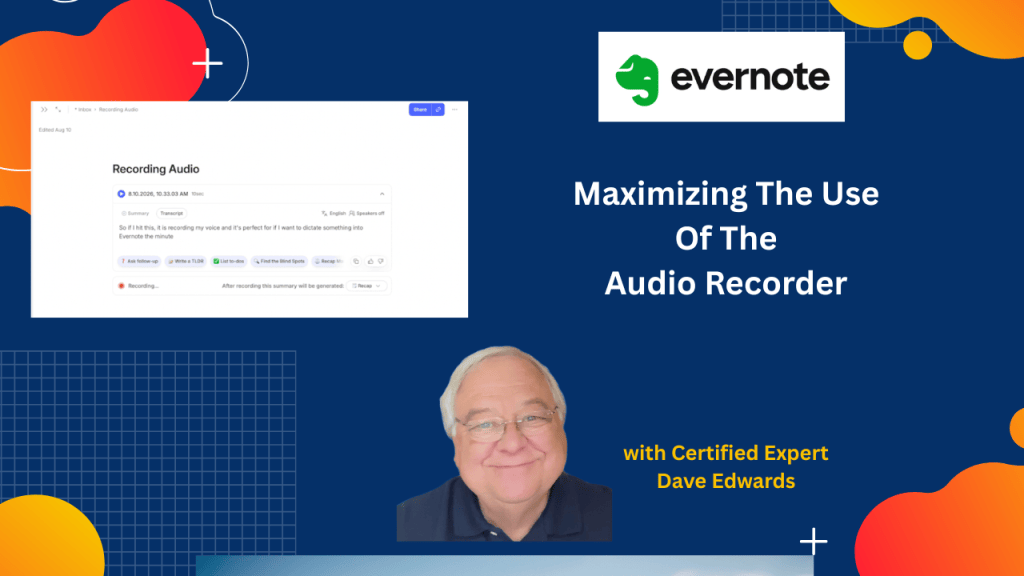
- Evernote provides several ways to record audio directly inside a note.
- The Voice Note feature is designed for dictation, personal notes, memos, and single-speaker recordings.
- Evernote can automatically create a transcript from a Voice Note after recording stops.
- The Meeting Recorder is designed for meetings and conversations involving multiple speakers.
- Meeting Recorder can capture conversations during in-person meetings or online meetings such as Zoom calls.
- Users can pause and restart an Evernote audio recording when they need to stop recording temporarily.
- Evernote allows users to select the microphone used for audio recording.
- Real-time transcription can display spoken words while a meeting or recording is taking place.
- Existing audio files can be imported into Evernote using the Insert menu or by dragging files into a note.
- iPhone users can record phone calls with Apple’s built-in call recording feature and then upload the recording to Evernote.

Evernote audio recorder, Evernote audio recording, Evernote Voice Note, Evernote Meeting Recorder, Evernote transcription, Evernote voice transcription, record meetings in Evernote, record audio in Evernote, Evernote audio files, Evernote dictation, Evernote Zoom recording, Evernote iPhone recording, Evernote meeting notes, Evernote productivity, Evernote tips, Evernote tutorial


Leave a Reply