
Category: Evernote
-
Evernote Templates That Save You Time
Do you keep making the same Evernote notes again and again? There’s a faster way using Evernote templates, and a lot of people miss it.
-
New Evernote Features You Need to See
Evernote has made an important change to its audio recording feature, as well as providing greater flexibility to the table of contents, and giving the AI assistant more power.
-
I’ve Stopped Using this Evernote Feature

Evernote has lots of great features, but I’ve stopped using one of them. Let me show you why.
-
Customizing Evernote’s Sidebar Creates More Focus
There’s a simple way to reduce clutter and make important elements more visible in Evernote. Customizing your sidebar will help you stay focused.
-
Evernote Updates Semantic Search & AI Assist
The latest updates to Evernote include changes to semantic search and the AI Assistant, and we look at sharing notes with people who don’t use the app.
-
The Dark Side of Evernote
You may have noticed that some people use dark mode on their online apps. Evernote’s is better than most.
-
Catch Up On The Latest Updates to Evernote
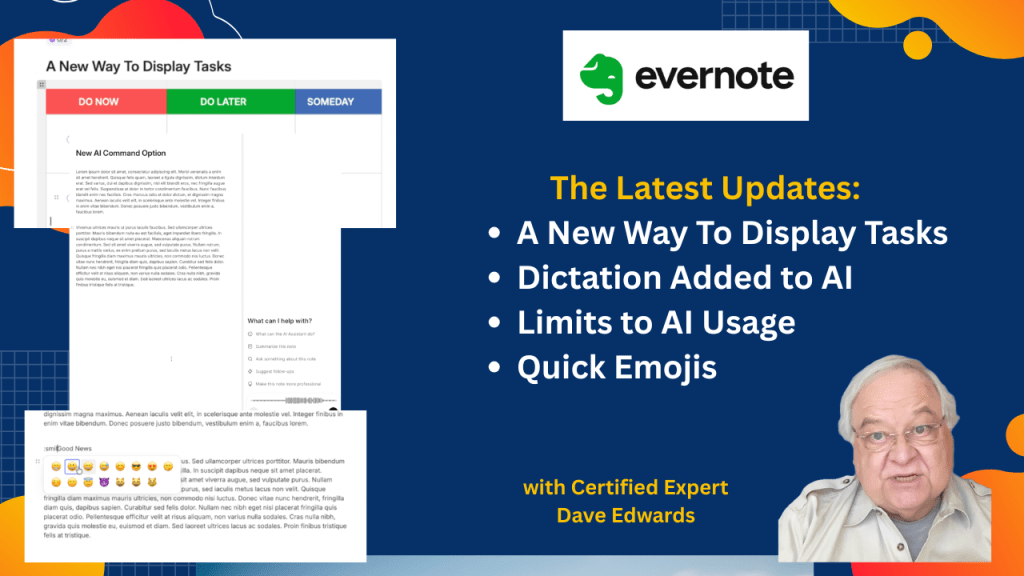
Evernote just rolled out new features for AI Assistant, a new way to display tasks, and a new way to add emojis.
-
Using “Spaces” To Collaborate in Evernote
Evernote Spaces is now available to all users and offers a simple way to build shared workspaces for notes, files, and projects.
-
How To Capture Ideas Fast with Evernote
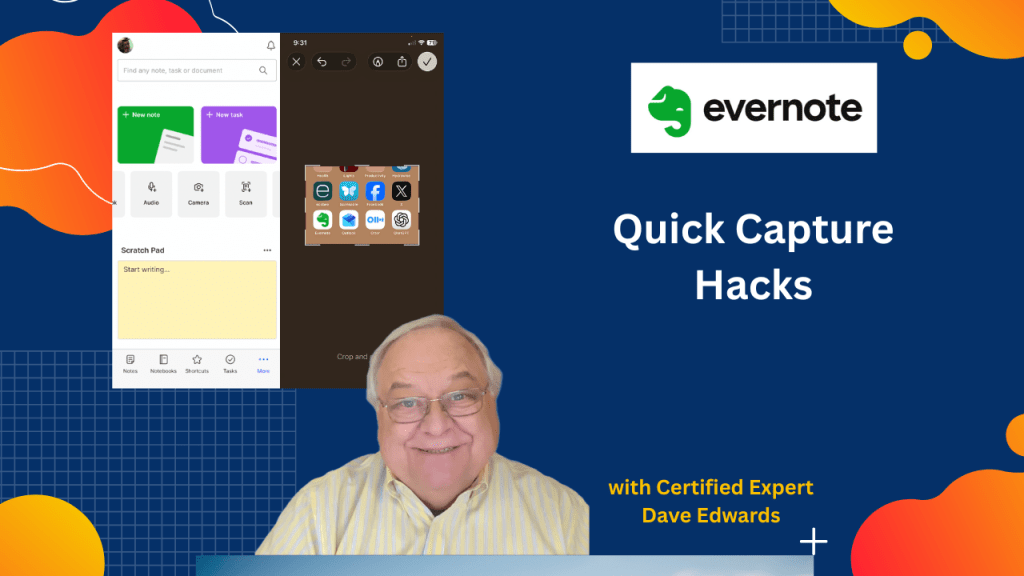
Some of your best ideas happen when you aren’t near pen and paper. Evernote offers several ways to capture your ideas quickly.
-
Can We Get A Simpler Evernote?

Someone said Evernote has gotten too complicated. They want a simpler version. Is that possible?
-
Evernote Note Sharing Tips That Save You Headaches
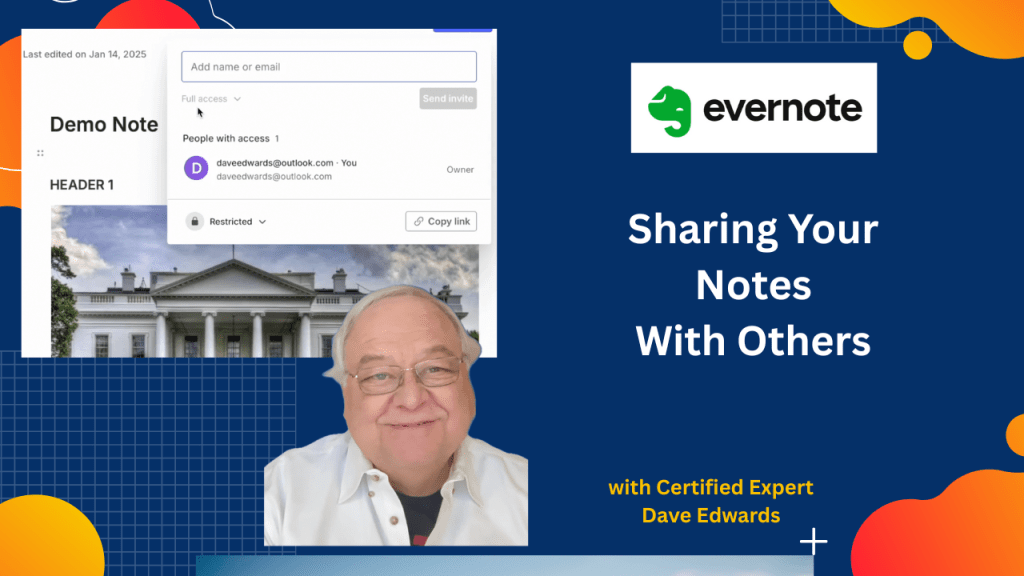
Sharing notes in Evernote sounds easy, but the settings matter. The right choices protect your work while improving teamwork and productivity.
-
A Better Way to Save Links in Evernote
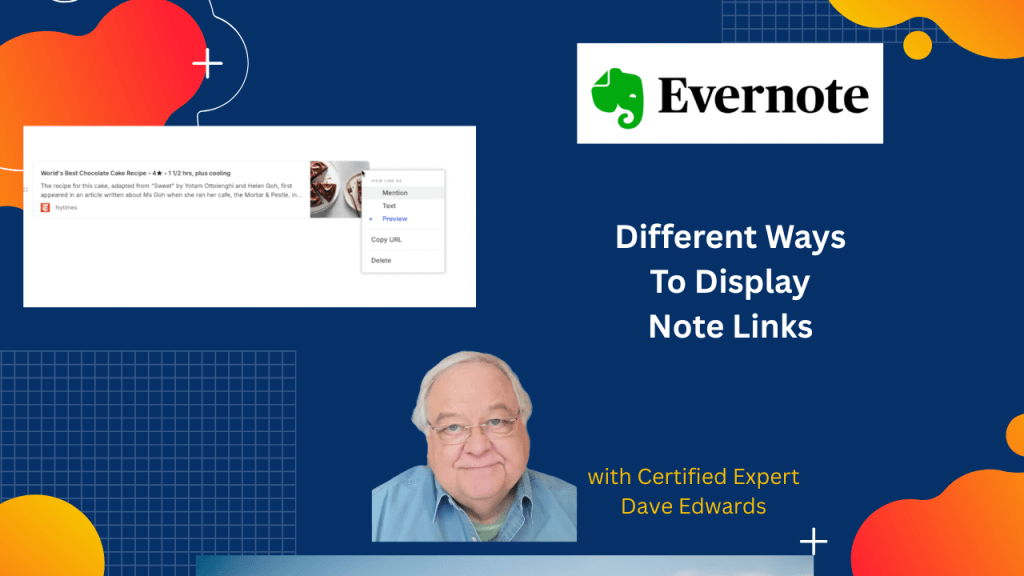
Most people save a web link in Evernote the same old way. But you can change how those links appear inside your notes. Plus, organizing tasks by context.
-
How To Use Evernote’s Language Translation Feature

Evernote users can record audio in notes, get instant transcripts, and translate text into many languages with auto detection
-
I Quit My Task App for Evernote’s…Here’s Why

Picking the wrong task manager can waste hours every week. Before you commit, see how Evernote’s Task Manager stacks up against the competition.
-
How To Customize Your Evernote Screens
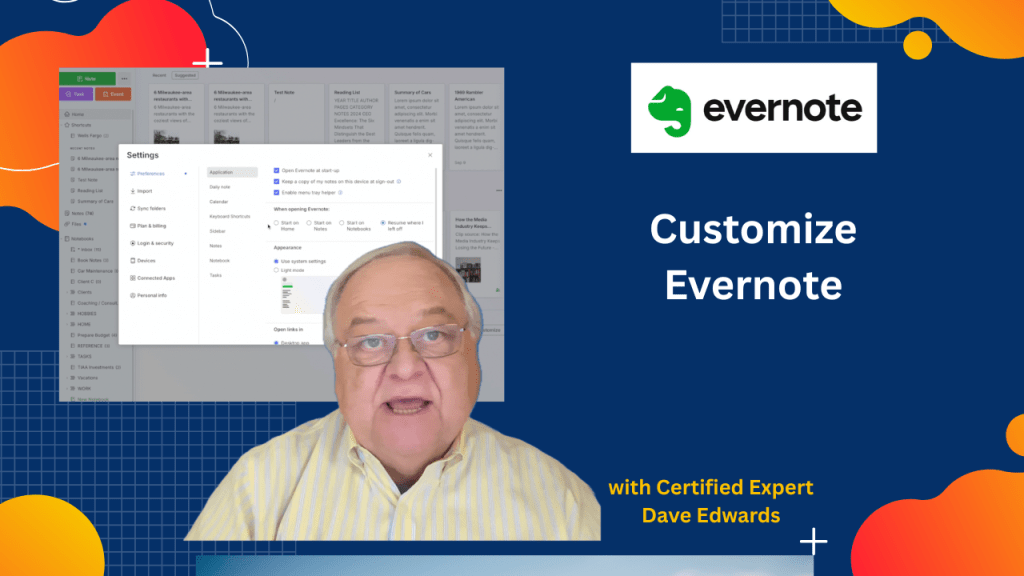
Some people like to modify the way Evernote looks. Let’s look at two ways to improve your Evernote experience.
-
A Few More Changes to Evernote
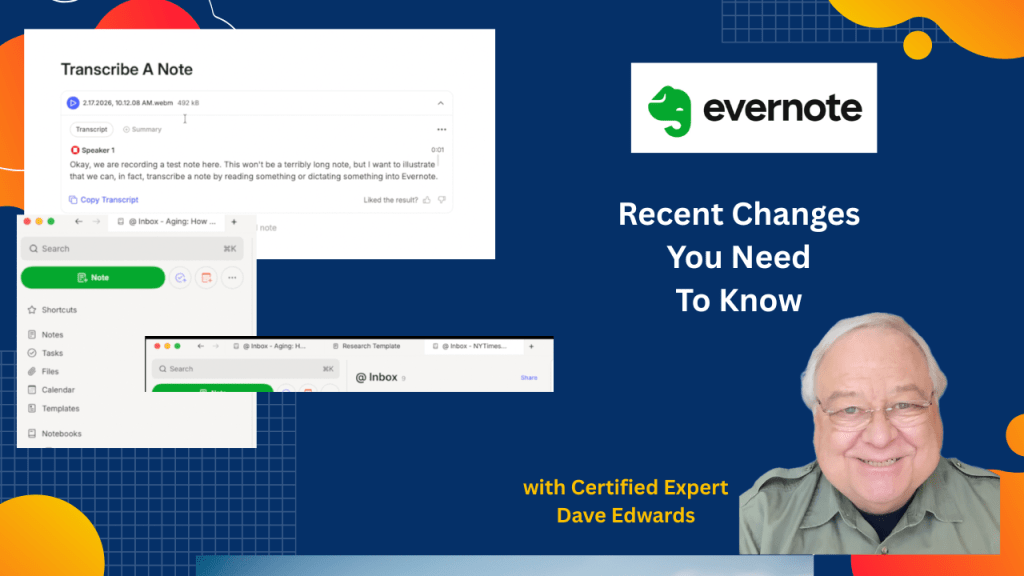
Evernote has made several more changes to the app that you may have missed. One solves a huge transcription problem.
-
Using Evernote Status Notes
Ever feel like your projects in Evernote are scattered across too many notes? I’ve found a way to bring it them all together. It changed how I manage my work.
-
Evernote Note Links- Are You Missing This Feature?
Evernote gives you many ways to see your notes. Most users miss this simple note link feature.
-
Stop Saving Notes the Hard Way in Evernote
What if one small change in how you save web pages could save you hours every week? I showed a client an Evernote trick he didn’t know about.
-
Evernote Basics – Maximizing Your Notebooks and Stacks
Evernote feels messy for many users, even with hundreds of notes saved. The fix is simple, but most people overlook notebooks and notebook stacks.
-
Evernote Quietly Changed Its Transcription Feature
With all of the attention that’s been focused on Evernote’s release of Version 11, changes to its transcription feature have gone largely unnoticed. And that’s a shame.
-
Evernote Basics: Maximizing Your Notes
A simple Evernote note can hold text, tasks, audio, links, and much more. But how do you unlock all these tools without missing key steps? Let’s look at what most people skip.
-
Evernote Version 11: Worth the Hype?
Evernote version 11 just launched with new AI tools. Some features promise faster notes and smarter search. But do they work as well as promoted?
-
New AI Shortcuts in Evernote
Are you getting the most out of Evernote’s AI Assistant? You aren’t if you don’t know some new shortcuts they’ve added.
-
Quickly Move Paragraphs in Evernote
Say goodbye to cut and paste when you need to move a paragraph in a note in Evernote.
-
Turn Text into Flow Charts and Mind Maps in Evernote
Evernote is known for its note-taking capabilities, but what you may not know is that it can also convert text into helpful diagrams.
-
Evernote’s Photo Text Trick You’re Missing
You want faster notes and fewer steps. This simple trick pulls text from any image and saves you time.
-
If I Were In Charge of Evernote
What would you change if you ran Evernote? Let me share my ideas on features, pricing, tasks, and support.
-
What Task Should I Do First?
Choosing what task to do first shapes your whole day. It sets the tone. It builds momentum or drains it. Here are some ways to approach your task list
-
How To Leave Evernote
So you want to leave Evernote, but you’ve stored lots of notes inside. But there’s an easy way to do it.
-
Declutter Evernote- Merging & Deleting Notes

Too many Evernote notes can slow you down. Today, I’ll show you how to merge notes and delete multiple notes fast.
-
Year-End Evernote Updates
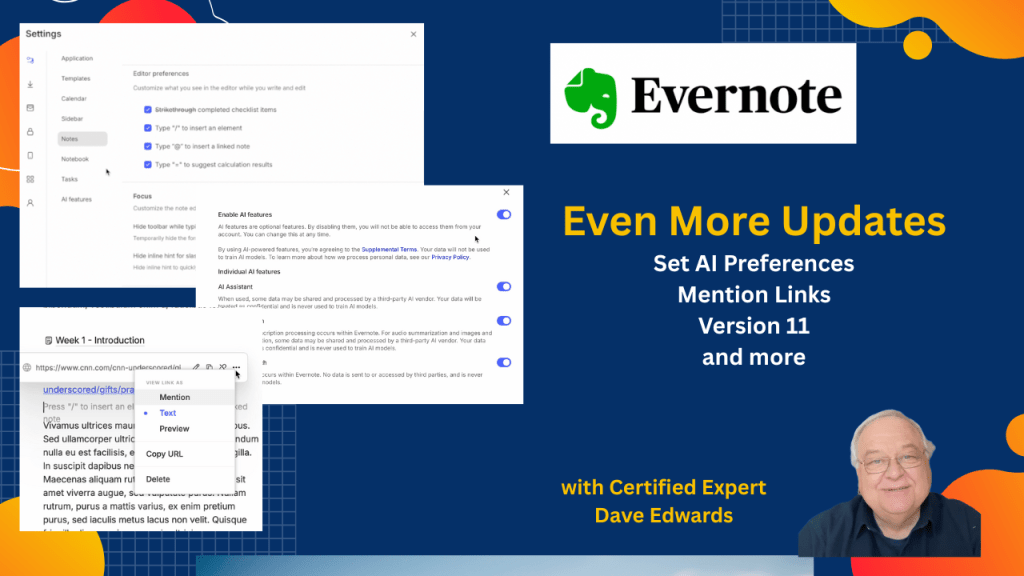
Even though we are still waiting for Evernote to roll out “Version 11,” there have been some additional year-end updates.
-
Are You Using Evernote’s Table of Contents?
If you have a lot of notes for a project in Evernote, you can set up a table of contents to help find what you need fast.
-
Some Evernote Updates That Can Help Your Workflow
Your year’s about to get hectic, but Evernote just dropped some updates. Some people haven’t noticed them, but they may change your workflow.
-
How Tables in Evernote Can Showcase Your Data
Sometimes, data is easier to understand when displayed in a table. Evernote makes it simple to illustrate trends and patterns.
-
Use GTD and Evernote to Help Create Content
If you create content regularly, you can use the principles of Getting Things Done and the Evernote app to streamline the process.
-
More New Evernote Features & User Feedback
Evernote just rolled out fresh AI tools and a new search upgrade. But will these improvements fix the worries users keep raising?
-
Evernote Revived Skitch… But There’s a Catch
Evernote added a feature that allows you to annotate a PDF, and you can do this even if you are not paying for the service.
-
Are You Leaving Evernote? What People Are Saying
Evernote’s new plans sparked loud debate, yet one question keeps popping up. What happens to your workflow if you decide to walk away?
-
Turn Handwritten Notes Searchable in Seconds
What if your handwritten notes could be searched just like typed text? Evernote can do that—and it’s easier than you think. Let me show you how this hidden feature saves me hours every week.
-
Evernote’s New Pricing Structure Is Stressing Long-Time Users
Big changes are coming to Evernote, and not everyone’s happy. Could this be the update that finally pushes longtime users away—or locks in their loyalty? I’ll show you what’s changing and why it matters now.
-
Stop Losing Receipts: Try This Evernote Method
Ever lost a receipt you swore you saved? There’s a smarter way to track every one without stress. Once you see this Evernote system, you’ll wonder why you didn’t start sooner.
-
Evernote Just Improved Its Search Function
Evernote users are already testing a powerful AI upgrade before version 11 launches. Let’s look at the new “Semantic Search” feature.
-
Evernote Can Fix Your Reading Habits
Most people use Evernote for notes, but almost no one realizes it can reshape daily habits. What happens when you start tracking what you read, watch, or do inside it?
-
Daily Notes in Evernote: Genius Hack or Time Trap?
People either love or hate Daily Notes in Evernote, with little in between. What’s hiding inside this feature that sparks so much debate?

