
Do you keep making the same Evernote notes again and again? There’s a faster way using Evernote templates, and a lot of people miss it.
Whether you are new to Evernote or just want to see how to use it more effectively, my course “Evernote For Beginners” will help.

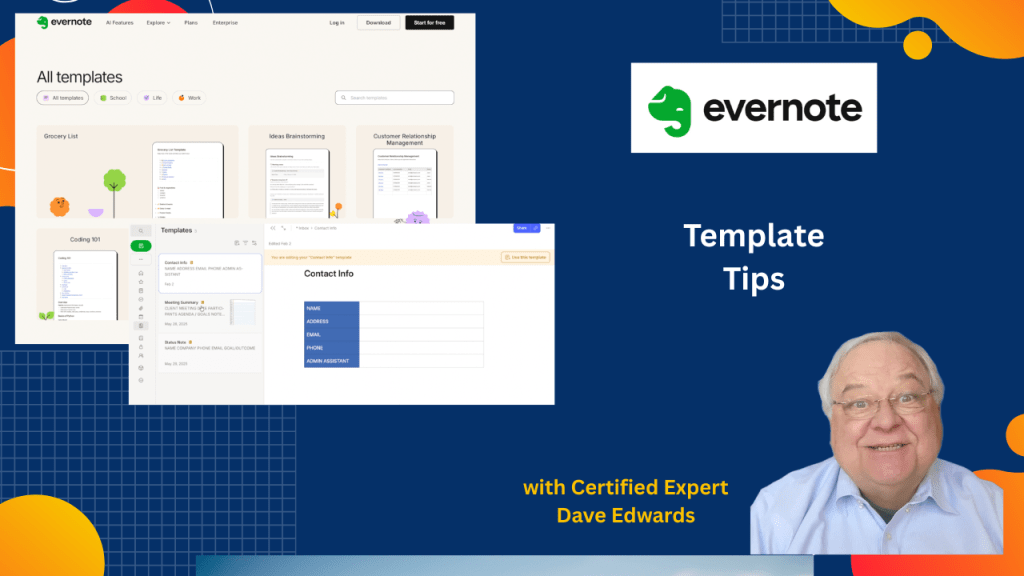
Evernote templates help you stop rebuilding the same notes and create a faster, cleaner workflow. Templates let you reuse formats for meetings, projects, weekly planning, and status notes. Evernote offers free built-in templates and also lets you create custom templates that match how you work. You can keep templates simple or design them with color and structure. Once saved, templates can be reused without changing the original layout. Templates can be pinned, shared, and imported directly into your Evernote account. Used well, templates turn Evernote into a reliable productivity system instead of a messy note archive.
- Evernote templates save time by removing repeated note setup.
- Built-in Evernote templates cover work, school, and personal needs.
- Custom templates let you design notes around your workflow.
- Templates work well for meetings, projects, and weekly planning.
- Saving a note as a template locks in its structure for reuse.
- Editing a template changes every future note created from it.
- Starting a new note from a template takes only a few clicks.
- Status note templates help track ongoing projects clearly.
- Templates can be shared or copied using a link.
- Using templates improves Evernote productivity and organization.

Evernote templates, Evernote productivity, Evernote workflow, Evernote note templates, Evernote organization, Evernote tips, Evernote features, productivity templates, digital note organization, task and project notes
 Dave Edwards Media
Leave a comment