
Category: Evernote
-
Changes to Evernote’s Sharing Feature
Evernote has allowed us to share notes with others for a long time. But it hasn’t been easy, and sometimes confusing. But some recent changes have made it easier. Plus some bug fixes and answering the question, “Has Evernote Got Too Complicated?”
-
Creating A Powerful Productivity System Using GTD and Evernote
When you combine the principles of GTD / Getting Things Done with Evernote, the popular notetaking app, you end up with a powerful productivity system. But you have to set it up correctly.
-
Choose Your Own Thumbnails in Evernote Notes
You can now select your own thumbnail that displays alongside your notes in Evernote. It will help you find notes quickly. Plus, figuring out a bug in the program and answering a viewer’s question.
-
Implementing GTD with Evernote
This series has demonstrated how to implement the principles of GTD / Getting Things Done inside Evernote. Today, putting it all together and getting to work more productively.
-
Moving Paragraphs in Evernote Notes
Say goodbye to cut and paste when you need to move a paragraph in a note in Evernote.
-
Implementing Getting Things Done with Evernote – The “Clarify” Step
You can practice the principles of GTD / Getting Things Done on paper or digitally. If you choose to develop an online system, Evernote is a powerful partner.
-
The Rollout of Evernote “Spaces” and How To Use It
When Evernote launched the original ‘spaces’ feature, it was intended for corporate accounts, but this collaboration feature is now available to everyone. Let’s look at how to set it up and use it. Plus we answer a viewer question about how to do a cleanup of your system at the beginning of the year. And,…
-
How I Take Notes In Evernote
Taking notes, whether in a meeting or class, helps you pay attention and stay focused. Evernote is an ideal place to not only store your notes but use it to take notes.
-
Evernote’s New Free Annotation Tool
Evernote has added a new feature that allows you to annotate a PDF, and you can do this even if you are not paying for the service.
-
Evernote’s Daily Note: Solutions & Frustrations
Evernote’s ‘daily note’ feature is designed to help those who journal, but it causes some frustration, too.
-
Setting Up GTD in Evernote
We continue our series on using GTD – the Getting Things Done methodology – inside of Evernote. It’s simple to set up and even simpler to use. Let me show you my system.
-
Evernote In The Classroom
There are many ways you can use Evernote on the job. However, it can be helpful for teachers who want their students to have access to class materials
-
Evernote’s Mobile Customization
In recent months, Evernote has added many new features to its web and online apps, but we are beginning to see some new options for the mobile app.
-
Evernote Basics: Creating and Using Notes

Evernote is a powerful productivity app. At its core are the notes you create inside. As part of our Evernote Basics series, let’s look at all the things you can do with notes.
-
Don’t Put This in Evernote
Evernote is a great place to store your notes, ideas and documents you need on the go but there are some things I would keep someplace else. Plus, I will answer another question from a viewer.
-
Evernote Basics: Notebook Stacks

If you want an efficient productivity system inside of Evernote, you want to know how to use notebook stacks effectively. Today, we continue our series on Evernote basics.
-
New Note Features In Evernote

Anyone relying on Evernote to take and store notes now has new ways to streamline your writing.
-
Evernote Basics: Setting Up Notebooks
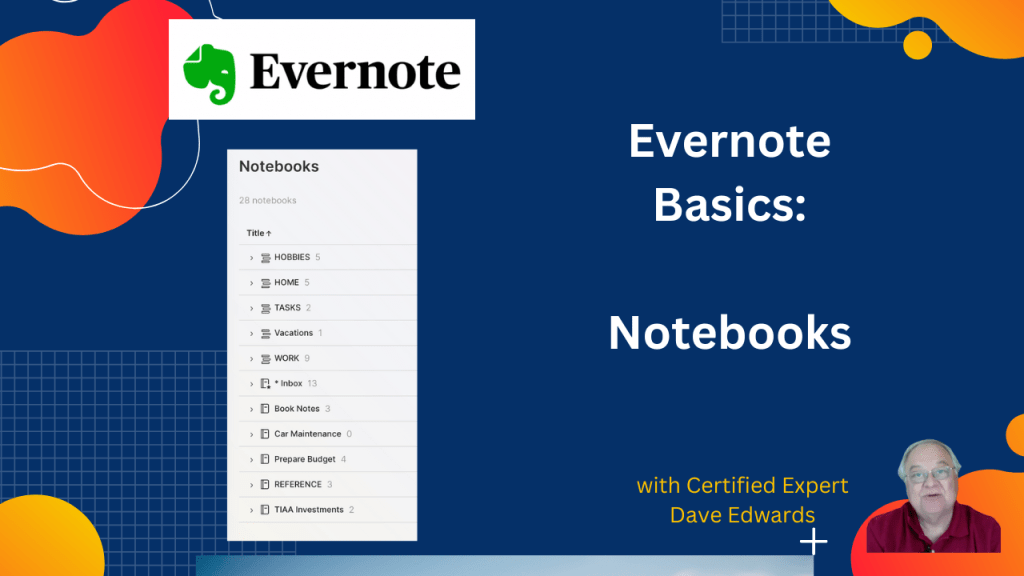
It’s easy to get carried away with Evernote’s new features, but there are new converts to this digital productivity system who are curious about the basics. In this series, we will review Evernote’s basic functions and include some things that not everyone remembers. Today, we talk about notebooks.
-
Evernote’s AI Transcription Feature Is Free

Evernote recently launched its free AI transcription tool, allowing anyone to quickly and accurately transcribe images, video, or audio to text. This new feature, available on the Evernote Explorer page, makes AI transcription accessible to all users, with just a few clicks. I want to share my thoughts on this image-to-text tool and explore why…
-
Speed Up Your Workflow with Evernote Shortcuts

Unlocking the full potential of Evernote means learning to use shortcuts that simplify your workflow and save time. I’ll show you how to set up and customize shortcuts that make navigating Evernote a breeze, along with troubleshooting tips for common sync issues.
-
Evernote Helps Me Find Great Restaurants

Are you ever at a loss to find a great restaurant when you want to plan a night out? Evernote can help.
-
Removing Thumbnail Images from Evernote
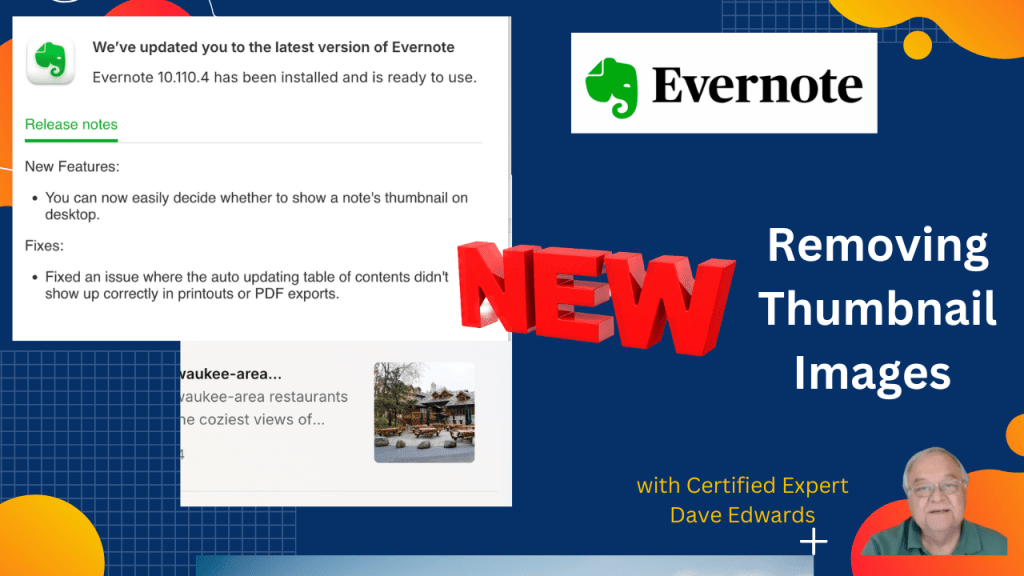
In addition to new features, Evernote is giving us more control over how we set everything up. The latest…..you can now remove a thumbnail image from your notes in the notebook view.
-
Evernote Feature Requests

Everyone who uses Evernote regularly has probably thought of something they wish the app would do. Let’s consider some new feature ideas.
-
Evernote Improves Customization
Evernote now gives you greater control over what you see when you use it. You can now customize your sidebar and decide what will appear when you open Evernote. Note that links can now open in new windows.
-
New in Evernote: Pinning Notes & Faster Speeds
Pinning notes in Evernote is a helpful feature when you have many notes in a notebook. They’ve just added some easier ways to do it. Plus, a new syncing system allows Evernote to run faster, and a complaint from a viewer regarding the ‘slash’ command.
-
A Preview of Upcoming and New Evernote Features
Following a meeting with Evernote experts and the head of product development this week, Dave Edwards discusses what we will be seeing in the future and recently added features.
-
Evernote’s New Image Transcription Feature
Another new feature in Evernote will help streamline your workflow and increase your productivity. Now, Evernote can take an image and transcribe the text from that image.
-
Evernote’s New Table of Contents Feature
If you have a lot of notes for a project in Evernote, you can set up a table of contents to help find why you need fast. Evernote just made this feature better.
-
Evernote Emojis
You might use emojis in emails and notes you send, but many people don’t know you can use them in Evernote to make your notebooks stand out.
-
More Changes to Evernote
It won’t make anyone happy who relies on the free version of Evernote, but now they can no longer use only one device. Plus, we look at some other issues and changes. That plus, a new ‘bug fixer’ and how to use spreadsheets embedded in a note.
-
Evernote’s New Mobile Font Size Settings
There’s a new change from Evernote in how your notes appear on your mobile device. Let’s see how it works.
-
Scanning Documents Into Evernote and Capture Handwriting
It’s easy to focus on Evernote’s big features, but simple features can do as much to boost your productivity. Let’s look at how you can capture handwriting and scan documents.
-
Fixing Confusion With Evernote Note Links
A commonly used Evernote feature is the ability to link to a note, whether you are the creator or someone sent a note link. However, over time, the option became confusing and difficult to understand. They’ve fixed that now, and it is easier to use.
-
How Tables in Evernote Can Showcase Your Data
Sometimes, data is easier to understand when displayed in a table. Evernote makes it simple to illustrate trends and patterns.
-
Reviewing the Latest Evernote Updates
If you aren’t paying close attention, you may have missed some of the recent changes to Evernote.
-
How I Use GTD and Evernote to Help Create Content
If you create content regularly, you can use the principles of Getting Things Done and the Evernote app to streamline the process.
-
New In Evernote: Audio Transcriptions, Journaling, and Mobile App Flexibility
Evernote has added three features to make note-taking and journaling much easier, plus an improvement to the mobile app.
-
New Evernote Note Limits, Pinned Notes and Quote Blocks
More improvements and updates to Evernote. The latest includes new note limits, pinned notes, and quote blocks.
-
Scanning Documents Into Evernote and Capturing Handwriting
It’s easy to focus on the big features of Evernote, but simple features can do as much to boost your productivity. Let’s look at how you can capture handwriting and scanning documents.
-
Evernote’s New Calendar Features
Once upon a time, Evernote was just a place to store your notes. But it is now moving into other areas to help with your productivity. That includes its new calendar feature. Let’s test drive it.
-
Lesser Known Evernote Mobile App Settings
Evernote’s app for your phone or tablet is amazingly powerful, especially if you know about some of the settings that are a bit hidden.
-
Evernote Basics: Using Tags
In our back-to-basics series, we look at how you can use tags in Evernote to be more efficient and productive.
-
The Dark Side of Evernote
You may have noticed that some people like to use dark mode on their online apps. Evernote’s is better than most.
-
Evernote’s New Mobile App Needs More Work
Evernote’s evolution continues. After many improvements to the desktop app, they’ve turned their attention to the mobile app, which I think needs more work.
-
Evernote Upgrades Sharing Feature
It’s always been easy to share notes that you create in Evernote, the feature has been updated and streamlined.
-
Will Evernote Survive? – An Update
For over a year, there has been concern that Evernote’s future was bleak, especially after the company was sold and existing staff were laid off. Those fears linger.
-
A Big Evernote Update (Version 10.85.4)
This has been a very busy week for Evernote as the company rolled out some new additions to increase the value of the app.

