
Finding notes in Evernote should feel easy, but most people overcomplicate it. Search, semantic search, and AI each work differently. One even works best when memory fails you.
I can help you build a simple Evernote setup that fits the way you work. You get one-on-one coaching where I review your notes, spot gaps, and guide you toward a cleaner flow. I share my screen to show clear examples and help you shape a system that feels natural. You walk away with a setup you trust and a plan that helps you stay on track every day. Find out more at www.DaveEdwardsMedia/Evernote

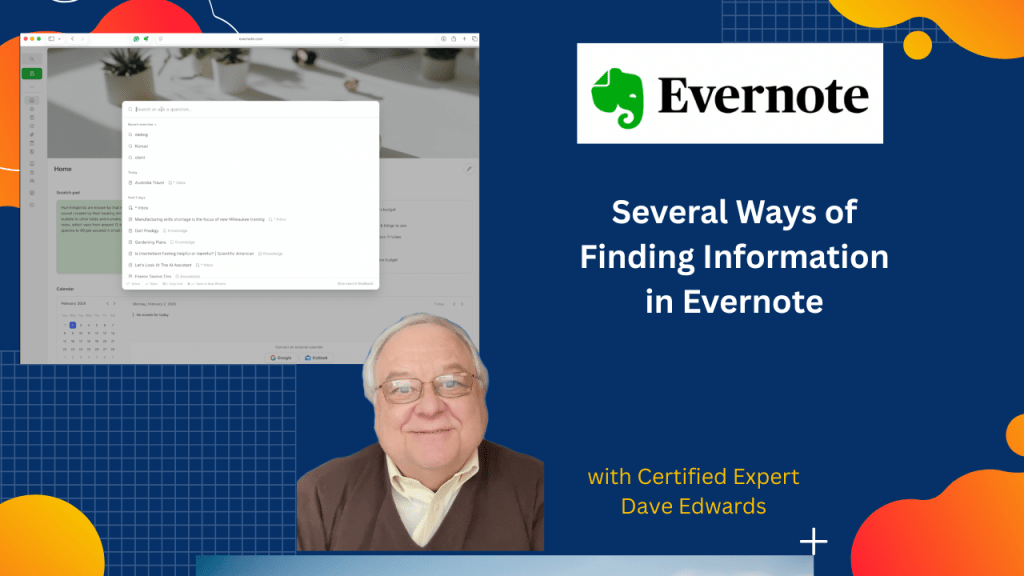
Here’s a look at how Evernote search helps users quickly find notes without perfect organization using standard search, semantic search, and the Evernote AI assistant to reduce information overload, answer natural language questions, and retrieve ideas instead of exact terms while also addressing concerns about Evernote being bloated, explaining its value as a powerful all in one note taking app, and sharing tips about indexing delays, the new @ mention feature, and why Evernote remains useful for people who manage large amounts of information.
- Evernote search lets users find notes by typing a word found inside saved content.
- A well organized Evernote system helps, but search often works faster than browsing notebooks.
- Semantic search allows users to ask questions instead of entering exact keywords.
- Semantic search is helpful when users remember ideas but not specific terms.
- Keyword search can cause information overload by returning too many notes.
- The Evernote AI assistant answers questions using notes and general knowledge.
- The @ mention feature helps the AI assistant focus on specific notes or notebooks.
- New notes may take up to an hour to index before appearing in Evernote search.
- Some users feel Evernote is bloated, but others value its advanced features.
- Evernote is positioned as a high end note taking app for storing and managing everything.

Evernote search, Evernote AI assistant, Evernote semantic search, Evernote note search, find notes fast, Evernote productivity, Evernote tips and tricks, Evernote features, Evernote indexing, Evernote organization


Leave a Reply