
Ever wish you could do more with tables in Evernote? You can now sort columns, filter information, and change the look of your tables. I’ll also clear up some confusion about Evernote’s rules for sharing content.

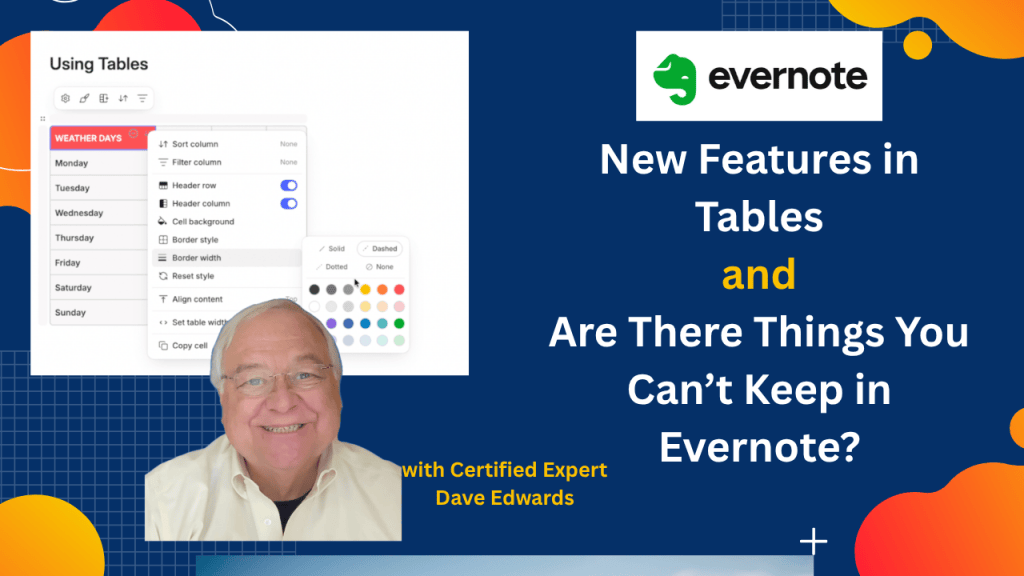
Evernote tables offer useful tools for sorting data, filtering columns, changing colors, adjusting borders, and customizing table layouts. These features make it easier to organize research, track changes, and manage information within Evernote notes. Evernote’s updated terms of service have also raised questions about copyrighted material, private notes, and sharing content with others. Understanding the difference between storing information for personal use and publishing or sharing it can help Evernote users make better choices. The updated rules also cover harmful content, impersonation, false election claims, and the use of Evernote’s AI features.
- Evernote tables let you organize information into rows and columns within a note.
- You can sort Evernote table columns in ascending or descending order.
- Evernote table filters let you hide selected items, such as weekends, from view.
- You can change table headers, columns, and rows to fit your needs.
- Evernote lets you customize table cell colors, border styles, column widths, and content alignment.
- You can adjust the overall table width and copy individual cells.
- Evernote tables still lack the full spreadsheet functions found in tools like Excel, including formulas and calculations.
- Evernote’s updated terms of service explain rules for copyright, harmful content, impersonation, and sharing notes.
- Evernote distinguishes between keeping material in private notes and publishing or sharing it with others.
- Evernote says requests and outputs from its AI features are not used to train AI models, according to the terms discussed.

Evernote tables, Evernote tips, Evernote tutorial, Evernote table features, Evernote sort columns, Evernote filter columns, Evernote table formatting, Evernote terms of service, Evernote copyright rules, Evernote private notes, Evernote sharing notes, Evernote AI privacy, Evernote productivity, Evernote note organization, Evernote user guidelines


Leave a Reply