
Your Daily Note in Evernote can do more than hold random thoughts. With the right template, it becomes your daily planner and task hub. But most users never set it up this way.
Whether you are new to Evernote or just want to see how to use it more effectively, my course “Evernote For Beginners” will help.

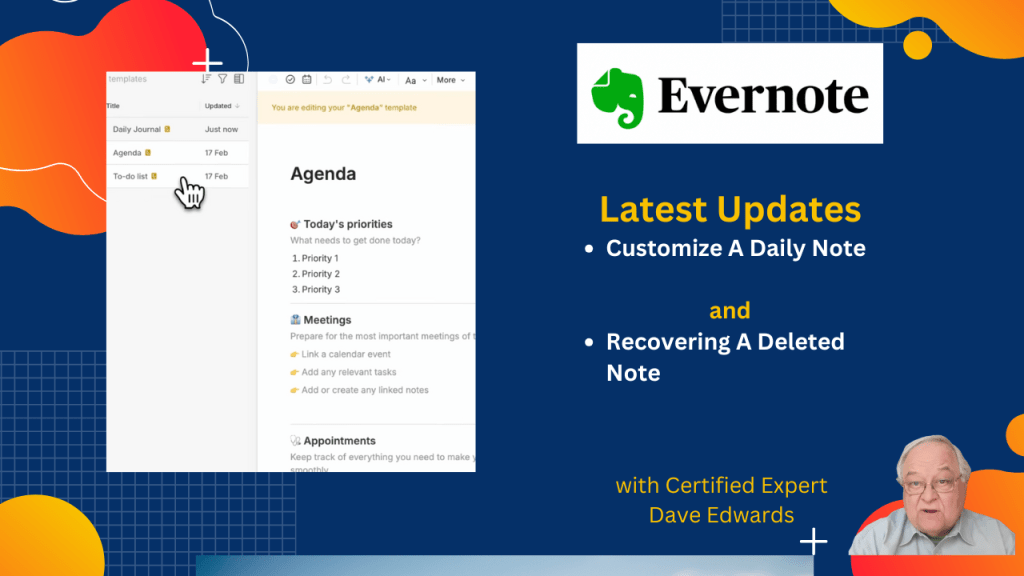
Evernote continues to improve its productivity system with updates that make daily planning easier and more flexible. A key change is the ability to customize the Daily Note, turning it into a powerful tool for task management, journaling, and workflow control. Users can now create and save their own templates, adjust layouts, add visual elements, and direct notes to specific notebooks. This shift allows each user to build a system that fits their habits, rather than relying on fixed formats. Alongside this update, common questions highlight how Evernote compares to other note taking apps like Microsoft OneNote and how simple it is to recover deleted notes using built-in features. Together, these updates show how Evernote can serve as a central hub for organization, note taking, and daily productivity when set up with intention.
- Evernote now allows full customization of Daily Note templates to improve productivity and workflow.
- Users can create a custom Daily Note that fits their task management and planning style.
- Templates can include to do lists, daily planners, or simple structured layouts.
- Visual elements like colors and emojis can enhance note taking and organization.
- Daily Notes can be set to generate automatically each day for consistent planning.
- Notes can be directed to specific notebooks to support better organization.
- Evernote offers more advanced features compared to Microsoft OneNote for many users.
- Deleted notes can be quickly recovered using the trash feature and search tools.
- Multiple notes can be restored at once, improving efficiency in note recovery.
- Evernote continues to evolve as a full productivity system, not just a note taking app.

Evernote Daily Note, Evernote templates, customize Evernote Daily Note, Evernote productivity system, Evernote task management, Evernote daily planner, note taking app comparison, Evernote vs OneNote, recover deleted Evernote notes, Evernote workflow, Evernote tips and tricks, digital note taking, productivity tools, Evernote organization, Daily Note template


Leave a Reply