
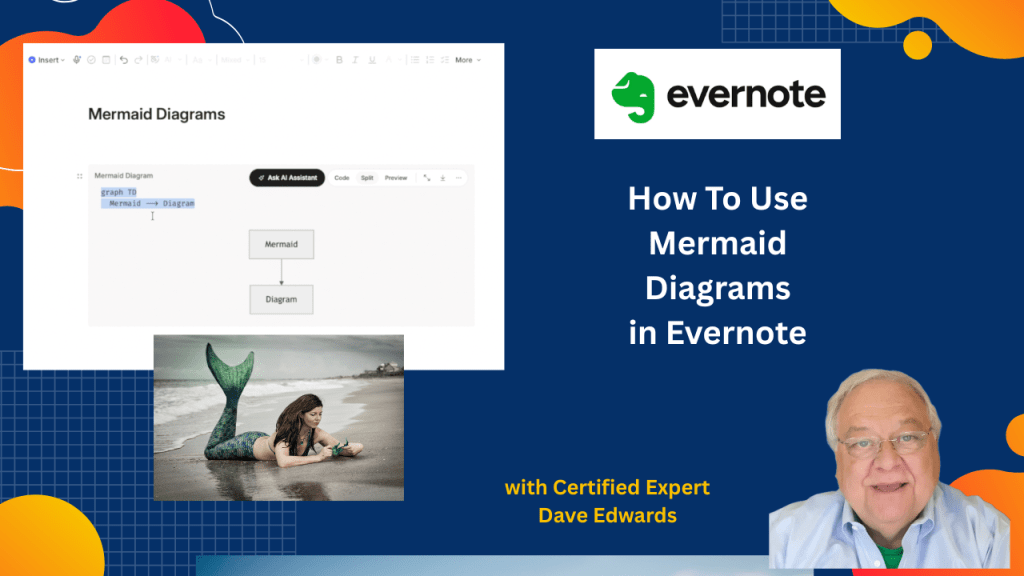
Evernote added a simple way to create charts, graphs, and org charts inside your notes. Mermaid diagrams can be used for visual note-taking and team planning.
Find out more about “Evernote Beyond the Basics,” a step-by-step course designed to help you unlock the full power of Evernote and turn it into your all-in-one productivity system. Whether you’re managing projects, tracking goals, or organizing your personal life, this course shows you exactly how to do it—with real examples, practical templates, and clear explanations.

Evernote now includes powerful productivity tools that go far beyond simple note taking and document storage because users can create visual charts, flowcharts, pie charts, and organizational charts directly inside their notes using Mermaid diagrams and built in AI tools while avoiding complex coding which makes project planning, meeting notes, team management, workflow design, and idea organization much easier and more visual while also improving knowledge management and digital organization through tools like the AI assistant, web clipper, email forwarding, local import folders, pinned tabs, and audio file support that help users capture, organize, and manage information faster across work, leadership, productivity, and daily planning tasks.
- Evernote now supports Mermaid diagrams for creating flowcharts, pie charts, and org charts inside notes.
- The built in AI assistant can generate charts and diagrams from simple text prompts.
- Users do not need coding skills to create visual productivity tools in Evernote.
- Mermaid syntax allows users to turn written text into visual graphics automatically.
- Evernote productivity features help improve meeting notes, project planning, and workflow organization.
- Users can create organizational charts with managers, employees, and reporting structures using AI.
- Pie charts and data visuals can be created quickly for reports, presentations, and business planning.
- Evernote users can export charts and use them inside Word documents and other files.
- The Evernote web clipper makes it easy to save articles, research, and web pages into notebooks.
- Evernote email forwarding and local import folders help users capture files, emails, and documents automatically.

Evernote productivity, Evernote tutorial, Mermaid diagrams, Evernote AI assistant, Evernote charts, Evernote workflow tools, Evernote organization tips, digital note taking, Evernote pie charts, Evernote flowcharts, Evernote org charts, Evernote web clipper, Evernote email forwarding, Evernote project management, AI note taking tools, Evernote tips and tricks, visual note taking, productivity apps, Evernote setup guide, Evernote beginner tutorial, Evernote advanced features, knowledge management tools, note organization, workflow management, Evernote import folders


Leave a comment