
Evernote has lots of great features, but I’ve stopped using one of them. Let me show you why.
Find out more about “Evernote Beyond the Basics,” a step-by-step course designed to help you unlock the full power of Evernote and turn it into your all-in-one productivity system. Whether you’re managing projects, tracking goals, or organizing your personal life, this course shows you exactly how to do it—with real examples, practical templates, and clear explanations.

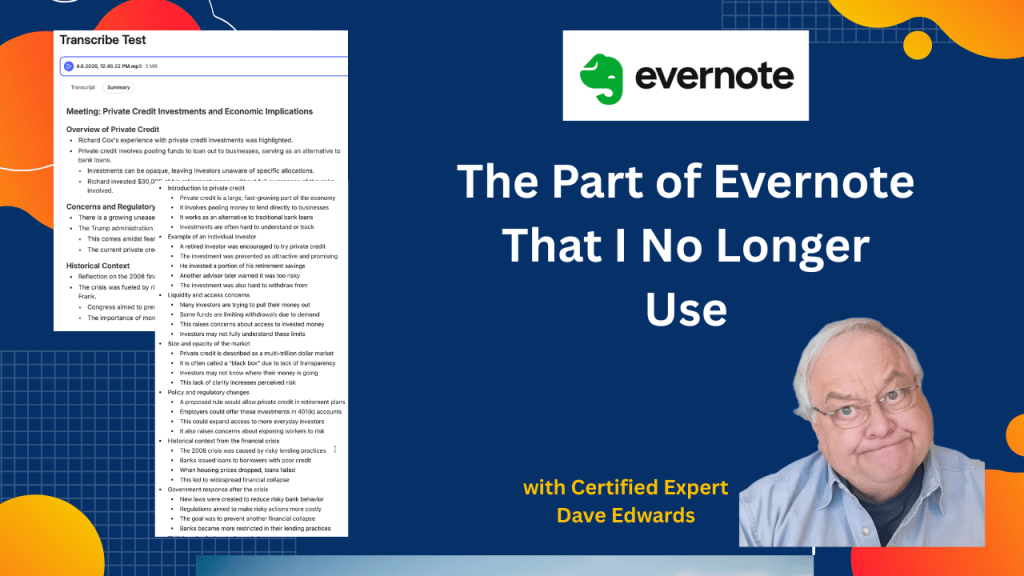
Evernote continues to add AI features, but not all deliver real value for productivity and note taking. The built in AI transcription tool can create accurate transcripts and identify speakers, yet it lacks flexibility and depth when generating summaries or outlines. Users cannot refine results or request different formats, which limits its usefulness compared to tools like ChatGPT that allow custom prompts, detailed outlines, and concise summaries. This gap leads some users to rely on external AI tools instead of keeping everything inside Evernote. At the same time, users can track note counts, storage limits, and account usage within the app, though some limits and AI usage caps remain unclear.
- AI note taking improves workflow, but limited customization reduces real productivity gains.
- ChatGPT provides better AI summaries and detailed outlines with simple prompt control.
- Evernote AI features do not allow users to revise or expand generated content.
- AI transcription tools must support flexible output formats to improve note organization.
- Evernote users can track note count and notebook totals within the app dashboard.
- Storage limits include notes in trash, which impacts overall account capacity.
- AI usage tracking exists in Evernote, but maximum limits are not clearly shared.
- Testing new Evernote features helps users understand strengths and weaknesses quickly.
- Strong productivity systems rely on combining Evernote with other AI tools when needed.

2 responses to “I’ve Stopped Using this Evernote Feature”
-
it’s a pity that evernote don’t offer a cheaper plan where the AI functions are not included. At $250 a year the advanced plan is far too expensive and the lower plan don’t work really offer much. Despite being with Evernote for 15 years I won’t renew and will stick with Apple notes
LikeLike
-
Dave,
Save the transcription results in a note and them use the AI summary drop down menu in the note edit bar, and select Summarize then Bullet.
I save articles as notes and then summarize as I explained above. Sometimes I find it too verbose. In those cases I use TL;DR on the article in my web browser. This technique may solve your problem within the Evernote app.
LikeLike


Evernote AI, Evernote AI transcription, AI note taking, Evernote productivity, Evernote features, ChatGPT vs Evernote, AI transcription tools, note organization, Evernote storage limits, Evernote tips, productivity tools, AI summaries, AI outlines, digital note taking, Evernote tutorial
 Dave Edwards Media
Leave a reply to Jon Hastings Cancel reply