
Evernote has plenty of advanced features, but the basics still matter. A simple notebook structure can help you find what you need and keep your digital productivity system under control.
Whether you are new to Evernote or just want to see how to use it more effectively, my course “Evernote For Beginners” will help.

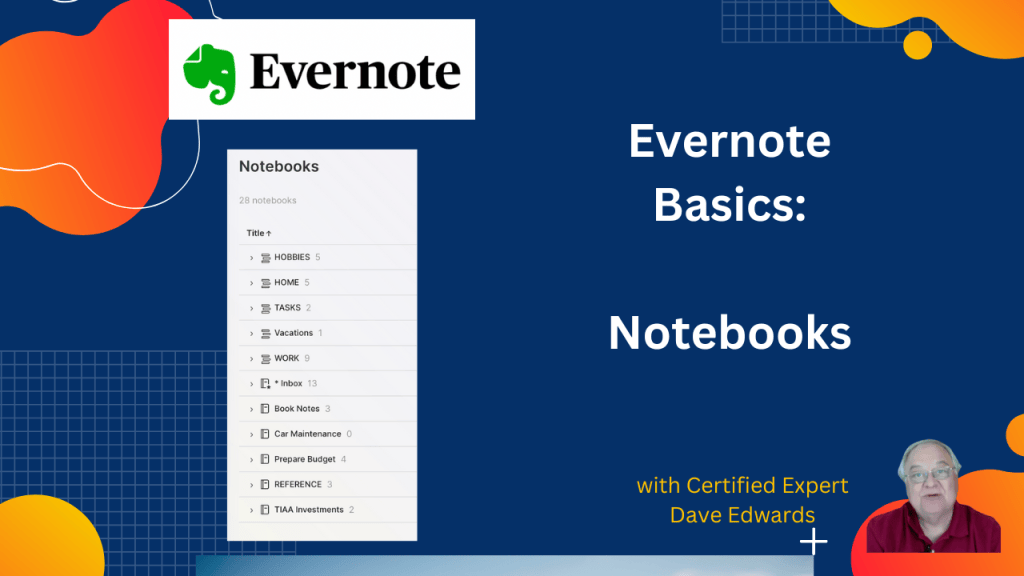
Evernote notebooks provide a simple way to organize notes around the big parts of your life, such as work, personal tasks, hobbies, and travel. You can create notebooks, group them into stacks, and move them between stacks as your needs change. Evernote also lets you share notebooks with others, choose whether they can edit or only view your notes, and remove access when needed. These basic Evernote features can help you build a more useful digital productivity system without making it harder to manage.
- Evernote notebooks help you organize related notes and information.
- You can create notebooks around major parts of your life, such as work, personal tasks, and hobbies.
- Evernote stacks let you group multiple notebooks under one larger category.
- The basic Evernote structure is stacks, notebooks, and notes.
- You can create a new notebook by choosing New Notebook and giving it a name.
- Notebook actions include adding notes, renaming, deleting, sharing, and adding shortcuts.
- You can move a notebook into a stack or remove it from a stack.
- Evernote sharing lets you invite others to view or edit a notebook.
- Sharing permissions help you control who can access your information.
- Evernote for Beginners teaches these basic features and helps users build a stronger digital productivity system.

#EvernoteNotebooks, #EvernoteBasics, #EvernoteStacks, #EvernoteOrganization, #DigitalProductivitySystem, #EvernoteSharing, #EvernotePermissions, #EvernoteShortcuts, #OrganizeNotes, #EvernoteForBeginners, #NoteTakingApp, #ProductivitySystem, #EvernoteTips, #EvernoteNotebookStructure


Leave a Reply