Evernote has several ways to find information, but they don’t all work the same way.
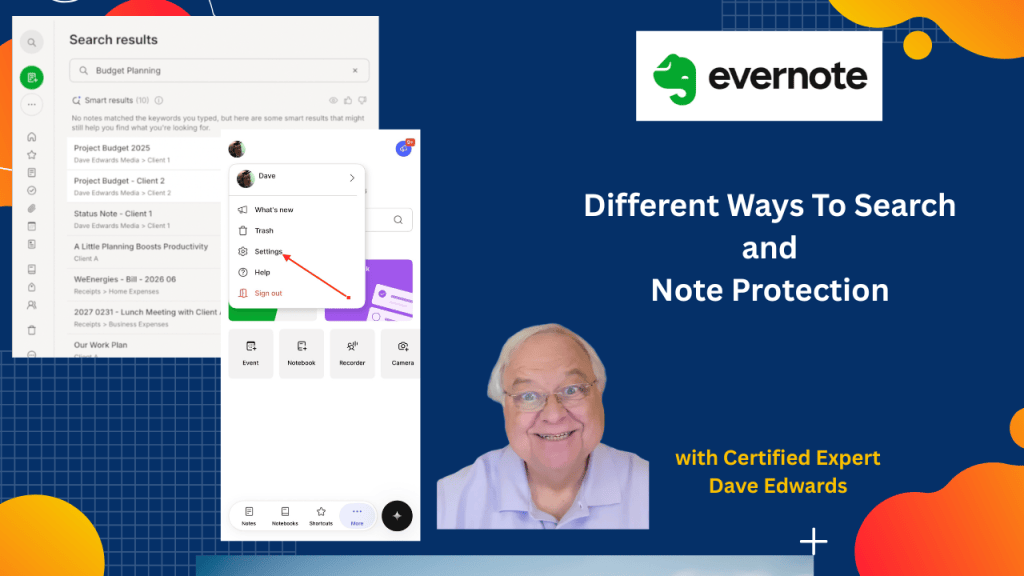
Evernote search offers several ways to find information, including keyword search, semantic search, AI Assistant, document search, and Note History, making it easier to locate notes without relying only on complex notebooks and tags; Evernote can search text inside PDFs, Word files, images, scanned documents, presentations, handwritten notes, and audio or video transcripts, while semantic search looks for meaning and related ideas rather than exact words; AI Assistant can also help answer questions about information stored in Evernote, while Note History and Edit Protection provide useful safeguards when notes are accidentally changed or deleted.
- Evernote search makes it easier to find notes without relying on complex notebook and tag systems.
- Command K on Mac or Control K can quickly open the Evernote search feature.
- Evernote remembers recent searches, making frequently used searches easier to revisit.
- Smart Results can find related notes even when your search doesn’t match exact keywords.
- Evernote can search text inside PDFs, Word files, images, presentations, and scanned documents.
- Semantic search looks at the meaning of your search instead of only matching exact words.
- Audio and video transcripts can be searched when their spoken content matches your search.
- Evernote can search handwritten notes that have been added as images or scanned documents.
- AI Assistant can help answer questions and find related information stored across your Evernote notes.
- Note History and Edit Protection can help recover or protect notes from accidental edits or deletions.
Evernote search, Evernote AI Assistant, Evernote semantic search, Evernote Smart Results, Evernote Note History, Evernote Edit Protection, Evernote productivity, Evernote notes, Evernote search tips, Evernote PDF search, Evernote document search, Evernote handwriting search, Evernote transcript search, Evernote organization, Evernote productivity system


Leave a Reply