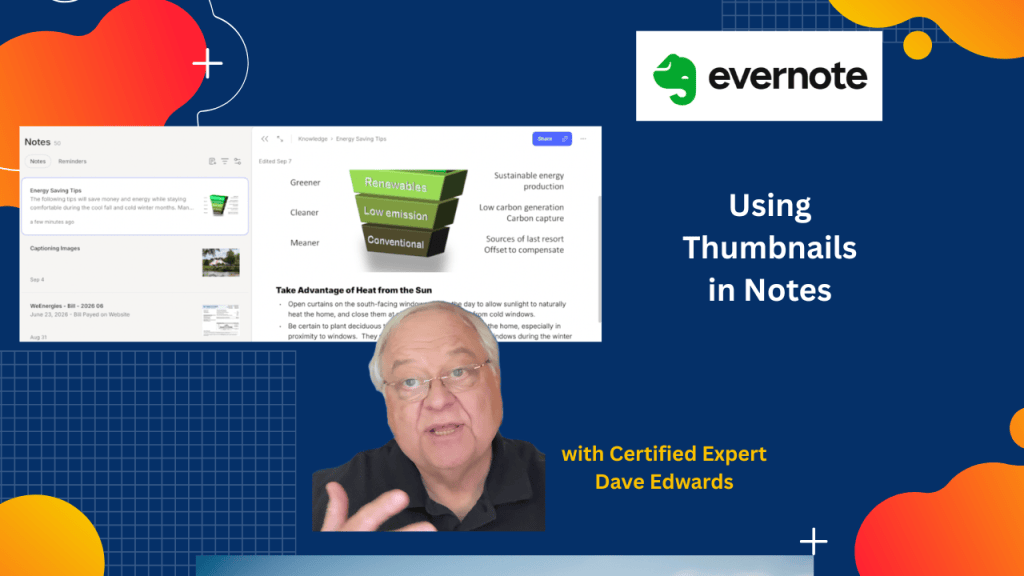
Evernote note thumbnails can help you find the right note before you open it. But what if the image you see isn’t the one that best captures your note? Learn how to choose your own thumbnail.

- Evernote note thumbnails can help you recognize notes before opening them.
- Snippets show the note title, text, and thumbnail image.
- Card view displays notes with larger images, but some users find it distracting.
- You can set a custom note thumbnail by right-clicking an image and choosing “Set as note thumbnail.”
- You can change note thumbnails on iPhone, iPad, Android, and other mobile devices.
- Evernote supports common image formats, including JPEG, PNG, GIF, and BMP.
- Note thumbnails have an 8 MB file size limit and a 16-megapixel resolution limit.
- Web Clipper images may not always work well with custom note thumbnails.
- Evernote stopped its automatic geolocation feature in 2024.
- Travelers can still use Evernote for notes, but automatic GPS-like location tags are no longer available.

Evernote note thumbnails, Evernote custom thumbnails, Evernote note views, Evernote snippets, Evernote cards, Evernote mobile app, Evernote tips, Evernote productivity, Evernote Web Clipper, Evernote geolocation, Evernote location tags, Evernote note organization, Evernote note-taking, Evernote Beyond the Basics


Leave a Reply