
Evernote turns a static PDF into something you can actually work with. There are several new PDF annotation features that can save you time.

Evernote’s PDF tools let you do much more than store PDF files because you can annotate, highlight, edit, organize, and share documents directly inside Evernote, with tools for adding comments, text, shapes, colors, and markers, while also letting you rotate, erase, pixelate, add or delete pages, change page order, and view only annotated pages, making Evernote a useful PDF editor for managing research, work documents, legal files, and other long PDF documents without printing and scanning them
- Evernote lets you import a PDF file directly into a note for easy access and editing.
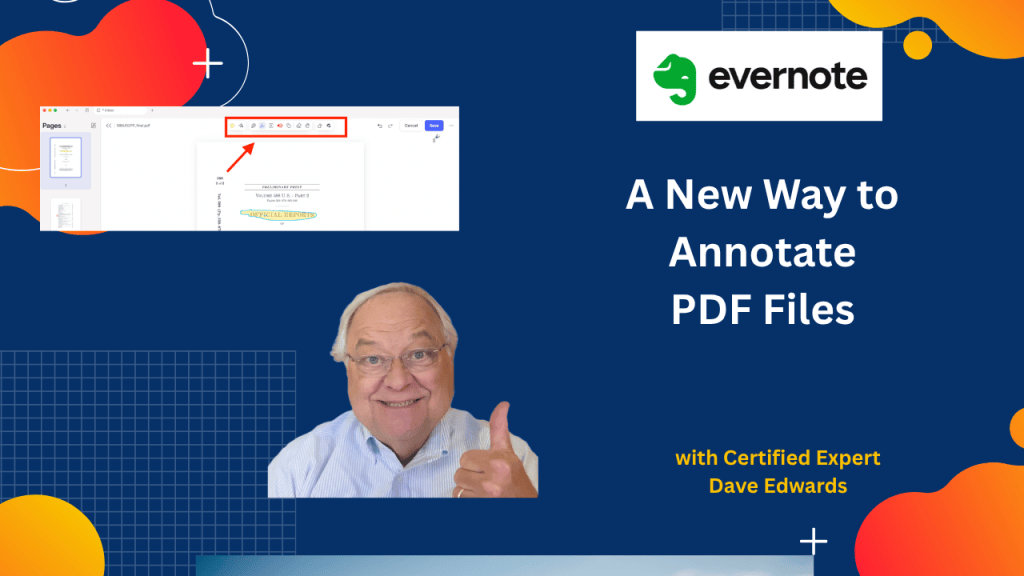
- The Evernote PDF editor provides several tools for annotating and marking up documents.
- You can change the color and thickness of the PDF annotation tools.
- The pen tool lets you add comments directly to a PDF document.
- The PDF highlighter lets you mark important sections of a document.
- You can add text, shapes, and visual markers to a PDF using Evernote.
- Evernote lets you erase annotations, rotate pages, and pixelate parts of a PDF.
- You can add PDF pages or blank pages and change the order of pages.
- Evernote can display only the pages containing PDF annotations for easier review.
- You must save your PDF changes before leaving the editor, and annotated documents can still be shared from Evernote.

Evernote PDF, Evernote PDF editor, Evernote PDF annotation, PDF annotation tools, annotate PDF in Evernote, edit PDF in Evernote, Evernote PDF tools, PDF editor, PDF highlighting, PDF comments, PDF markup, Evernote productivity


Leave a Reply