
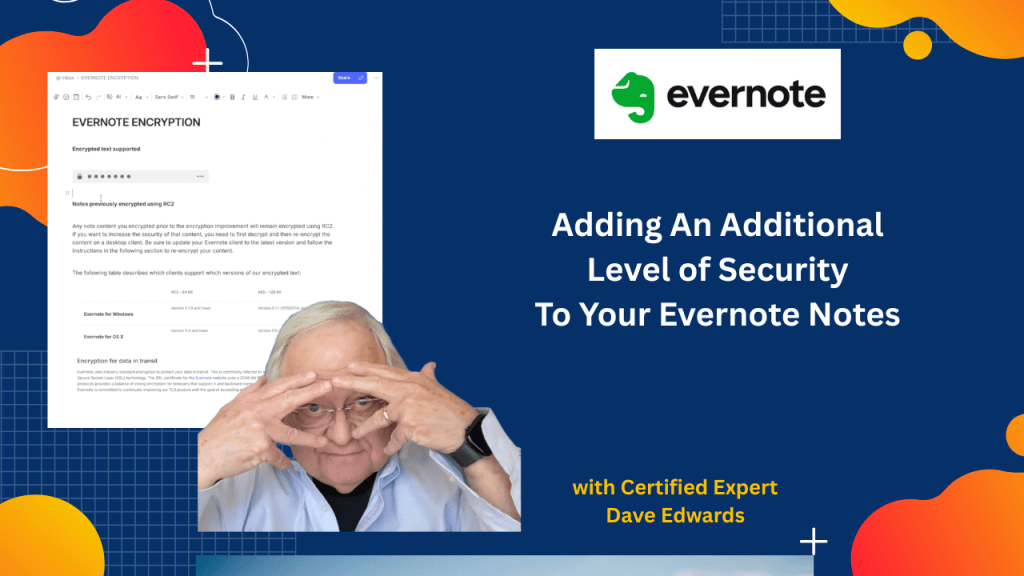
While Evernote meets industry standards for keeping our notes safe, there are steps you can take to add an extra layer of security.

Cloud security in Evernote depends on both built-in encryption and user actions that protect sensitive data from unwanted access while keeping notes easy to use and manage across devices and platforms. Evernote uses strong encryption for data in transit, which protects information as it moves between your device and the cloud, but users can add another layer by encrypting selected text inside notes with a passphrase that only they control. This added encryption boosts data privacy, yet it comes with limits since only text can be encrypted and not full notes, images, or files, which creates gaps in full data protection. Users must also remember their passphrase because Evernote cannot recover encrypted content without it, making password management a key part of cloud security. Two factor authentication adds another strong layer by requiring a second login step, which helps block unauthorized access even if a password is exposed. While Evernote offers useful security features, gaps like limited mobile encryption and partial content support mean users should stay aware and take extra steps to protect private information. Features like tabs improve workflow and productivity on desktop, though they are not available on the web version, which shows how platform differences can affect the user experience.
- Evernote cloud security uses encryption in transit to protect data during transfer between devices and servers.
- Users can encrypt sensitive text in notes using a secure passphrase for added data protection.
- Evernote encryption uses AES 128 bit standards to strengthen data security and privacy.
- Encrypted content cannot be recovered if the passphrase is lost, making password management critical.
- Evernote does not support full note or notebook encryption, which limits complete data security.
- Only certain content types like text can be encrypted, while files, images, and tables cannot.
- Two factor authentication improves account security by adding a second login verification step.
- Encryption features are limited to desktop apps and are not available on mobile devices.
- Tabs feature in Evernote boosts productivity by allowing quick navigation between notes on desktop.
- Platform differences between desktop and web versions affect features like tabs and encryption tools.

Evernote security, Evernote encryption, cloud data security, encrypt notes Evernote, Evernote passphrase, AES 128 encryption, secure note taking, Evernote privacy, two factor authentication Evernote, protect sensitive data, Evernote tips, Evernote desktop features, Evernote tabs feature, note encryption methods, cloud privacy protection


Leave a Reply