
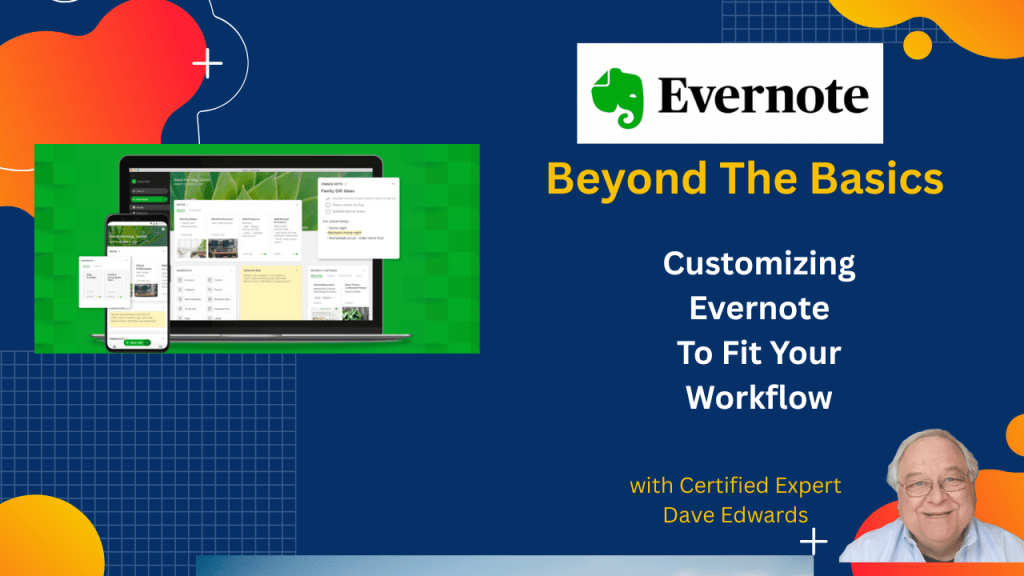
When you use Evernote, you are not stuck with the way they set up your screens. You’ll get more out of the app by customizing it.
Find out more about “Evernote Beyond the Basics,” a step-by-step course designed to help you unlock the full power of Evernote and turn it into your all-in-one productivity system. Whether you’re managing projects, tracking goals, or organizing your personal life, this course shows you exactly how to do it—with real examples, practical templates, and clear explanations.

Evernote can become a powerful productivity system when you move beyond the basic features and start customizing the app to match your workflow and daily tasks. Many users gain more value from Evernote by learning practical tips that improve organization, note capture, and time management. One useful approach is customizing the Evernote home screen so it displays the information you use most often. Widgets allow you to add recent notes, calendars, scratch pads, pinned notes, and filtered notes. This setup helps you keep key information visible and reduces the time spent searching for notes. Scratch pads are helpful for quickly capturing ideas, reminders, or short notes, especially on mobile devices. These quick notes can later be converted into full Evernote notes for long-term storage. Pinned notes help keep important projects or client information easy to reach. Filtered notes allow you to view specific groups of notes based on tags or other criteria. When users tailor the home screen to their needs, Evernote becomes a stronger productivity tool that supports better organization, clearer focus, and faster access to important information.
- Customizing the Evernote home screen helps users improve productivity and manage notes more efficiently.
- Home screen widgets allow users to display recent notes for quick access and faster workflow.
- Evernote calendar widgets help connect schedules and notes in one productivity system.
- Scratch pads allow users to capture quick ideas, reminders, or tasks without opening a full note.
- Scratch pads are especially useful on mobile devices for fast note capture.
- Quick notes created in scratch pads can later be converted into full Evernote notes.
- Pinned notes help keep important projects or client notes easy to find.
- Filtered notes allow users to view notes based on tags or search filters.
- Removing or adding widgets allows users to redesign the Evernote home screen anytime.
- Learning advanced Evernote features helps users become power users and improve time management.

Evernote tips, Evernote productivity tips, Evernote customization, Evernote home screen setup, Evernote workflow tips, Evernote organization system, Evernote note management, Evernote scratch pad feature, Evernote pinned notes, Evernote filtered notes, Evernote widgets, Evernote calendar integration, Evernote power user tips, Evernote note organization, Evernote time management, Evernote digital organization, Evernote productivity system, Evernote quick notes, Evernote note taking app, Evernote advanced features
 Dave Edwards Media
Leave a comment