
The latest updates to Evernote include changes to semantic search and the AI Assistant, and we look at sharing notes with people who don’t use the app.
I can help you build a simple Evernote setup that fits the way you work. You get one-on-one coaching where I review your notes, spot gaps, and guide you toward a cleaner flow. I share my screen to show clear examples and help you shape a system that feels natural. You walk away with a setup you trust and a plan that helps you stay on track every day. Find out more at www.DaveEdwardsMedia/Evernote

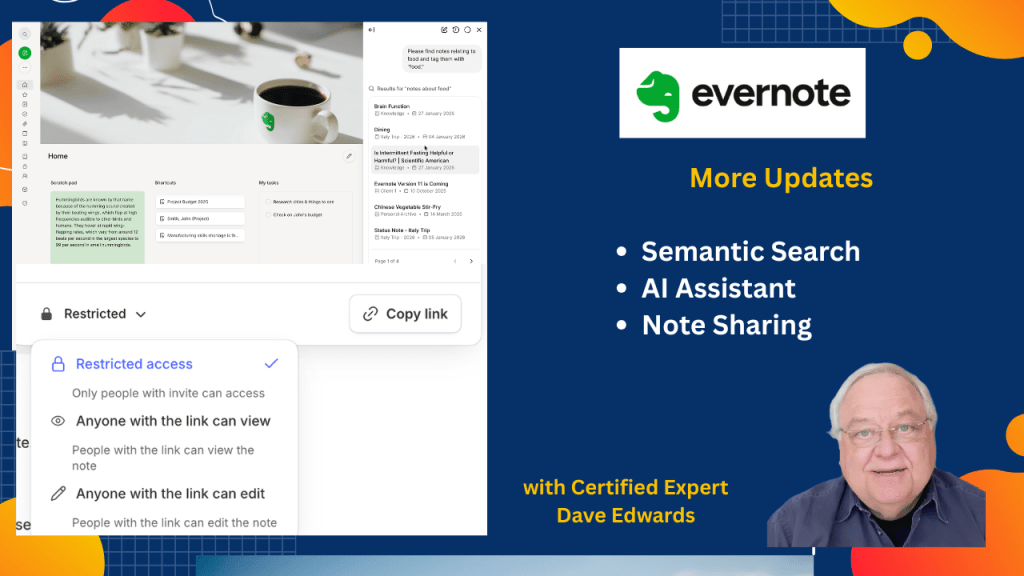
Evernote continues to improve how users find and manage notes through faster semantic search and a stronger AI assistant that focuses on meaning instead of exact words. This shift reduces the need for complex notebook systems and tagging, since users can now search by ideas and get smart results that connect related notes. The latest updates also improve speed by separating standard search from semantic search, while giving users the option to turn AI features off if they prefer simple keyword searches. The AI assistant now handles larger note sets, making summaries and information processing faster and more useful. Users can also manage notes more easily by moving and tagging multiple notes at once and running transcription in the background. Sharing notes is simpler too, as people without an Evernote account can still view content through a browser using a light editor, which makes collaboration easier without extra steps.
- Evernote semantic search now finds notes based on meaning, not just keywords.
- The new search system improves speed by separating standard and AI search results.
- Users can ask questions in search and get direct answers from their notes.
- Smart results suggest related notes using AI and semantic search.
- The AI assistant now handles larger note sets for faster summaries.
- Users can toggle off semantic search in settings if they prefer keyword search.
- Evernote productivity improves by reducing the need for notebooks and tags.
- Users can move and tag multiple notes at once in the latest update.
- Transcription now runs in the background without keeping the note open.
- Evernote note sharing works without an account using a browser-based light editor.

Evernote semantic search, Evernote AI assistant, Evernote search update, Evernote productivity tips, how to use Evernote search, Evernote smart search, Evernote note organization, Evernote AI features, Evernote note sharing, Evernote light editor, Evernote transcription feature, Evernote workflow tips
 Dave Edwards Media
Leave a comment