
Tag: notes
-
Moving Paragraphs in Evernote Notes
Say goodbye to cut and paste when you need to move a paragraph in a note in Evernote.
-
The Power of Digital Productivity
If you want to be truly productive, you need to be taking notes constantly. Thanks to cloud technology, notes taken or stored digitally can be game-changers.
-
Evernote Basics: Creating and Using Notes

Evernote is a powerful productivity app. At its core are the notes you create inside. As part of our Evernote Basics series, let’s look at all the things you can do with notes.
-
Removing Thumbnail Images from Evernote
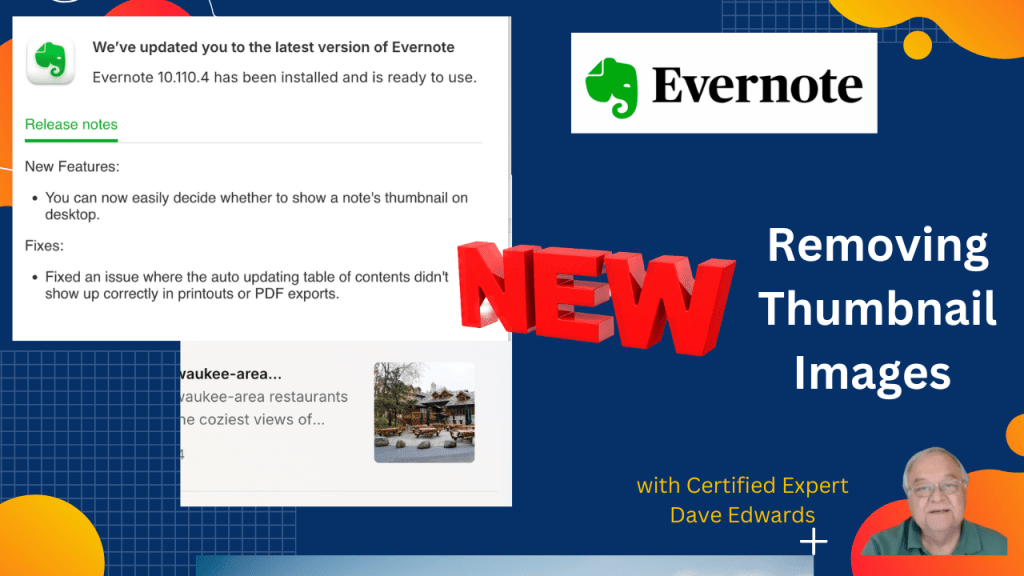
In addition to new features, Evernote is giving us more control over how we set everything up. The latest…..you can now remove a thumbnail image from your notes in the notebook view.
-
Evernote Improves Customization
Evernote now gives you greater control over what you see when you use it. You can now customize your sidebar and decide what will appear when you open Evernote. Note that links can now open in new windows.
-
Fixing Confusion With Evernote Note Links
A commonly used Evernote feature is the ability to link to a note, whether you are the creator or someone sent a note link. However, over time, the option became confusing and difficult to understand. They’ve fixed that now, and it is easier to use.
-
How I Keep Track Of What I Read in Evernote
Have you ever stood in a bookstore wondering if you have already read the book you are holding in your hand? It happens to all of us. Here is how I use Evernote to keep track of what I’ve read and learned from the books I read.
-
Backing Up and Moving Notes Out of Evernote
The notes you put into Evernote can be backed up on your computer or you can move them to another app. Here’s how.
-
Evernote Basics: Notes
Continuing our series of episodes looking at some of the basic operations of Evernote, we look at how you can set up and use notes.
-
Sharing Notes from Evernote
Unlock the power of seamless collaboration with Evernote! Discover how to share notes effortlessly, control permissions with precision, and elevate your teamwork.
-
Different Ways To View Your Notes in Evernote
There’s lots of flexibility built in to Evernote and that includes giving you a chance to view your notes in a few different ways.
-
Evernote Basics: Note Titles That Actually Work
Unless you have a system for how you title your notes in Evernote, it will be more difficult to find them when you need them. Here are some tricks.
-
A GTD Inspired Paper-Based Note Taking System
If you use a paper-based productivity system that’s based on GTD/ Getting Things Done , what is the best way to keep and process your notes.
-
Using Evernote’s Note Links
The more notes you have in Evernote, the more important it is to be able to find them. That’s where note links make a difference.
-
Never Lose Track of Notes And Tasks Again
Taking notes when you are in a meeting or have a good idea is important. But you want to be able to find them again when you need them. Here’s how you can process your notes so you won’t lose track of their most important items.
-
The Power of Digital Note Taking
Digital note-taking has improved my productivity and information accessibility. If taking notes is not second nature to you, or if you can’t find the notes you make, consider developing system like the one that has worked for me.
 Dave Edwards Media