
Some of your best ideas happen when you aren’t near pen and paper. Evernote offers several ways to capture your ideas quickly.

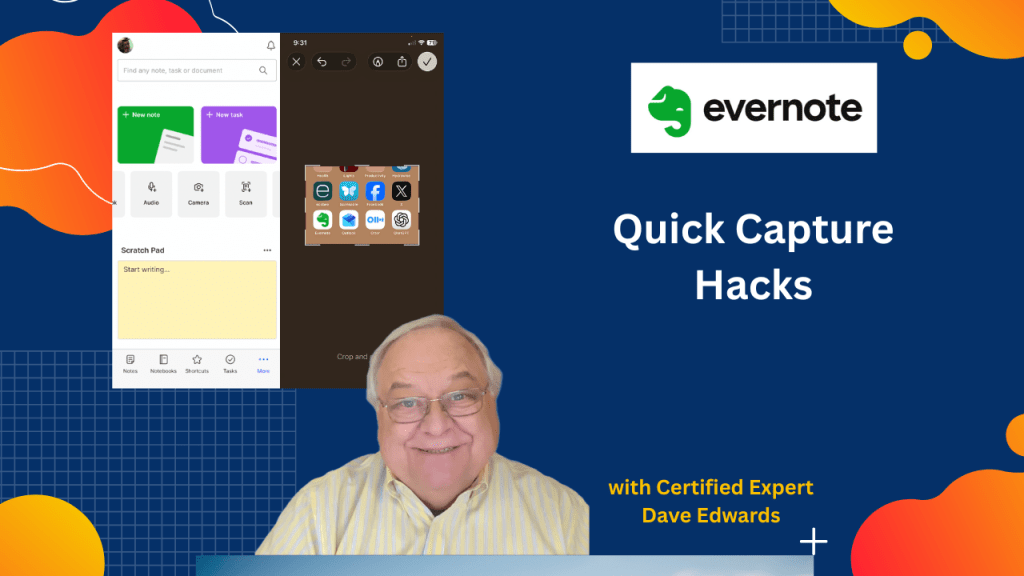
- Evernote scratch pad for quick idea capture on your phone
- Capturing ideas on the go using the Evernote mobile app
- Using the Evernote camera feature to save images and reminders
- Saving movie posters, books, and visual notes into Evernote
- Evernote Scannable app for scanning documents with your phone
- Sharing scanned documents directly to Evernote
- Evernote Web Clipper browser extension for saving web content
- Simplifying articles with Evernote Web Clipper reader view
- Saving full pages, bookmarks, and screenshots to Evernote

Evernote tips, capture ideas on the go, Evernote mobile app, Evernote scratch pad, Evernote camera feature, Evernote Scannable app, Evernote Web Clipper, save articles to Evernote, productivity tips, idea capture workflow, digital note taking, Evernote tasks, Evernote inbox, mobile productivity tools
 Dave Edwards Media
Leave a comment