
Some people like to modify the way Evernote looks. Let’s look at two ways to improve your Evernote experience.
Whether you are new to Evernote or just want to see how to use it more effectively, my course “Evernote For Beginners” will help.

- Evernote sidebar customization improves daily workflow and focus
- Evernote settings control what appears in the sidebar
- Hide or show Evernote notebooks, notes, tasks, and calendar
- Evernote shortcuts help access active files faster
- Customize Evernote layout to match how you work
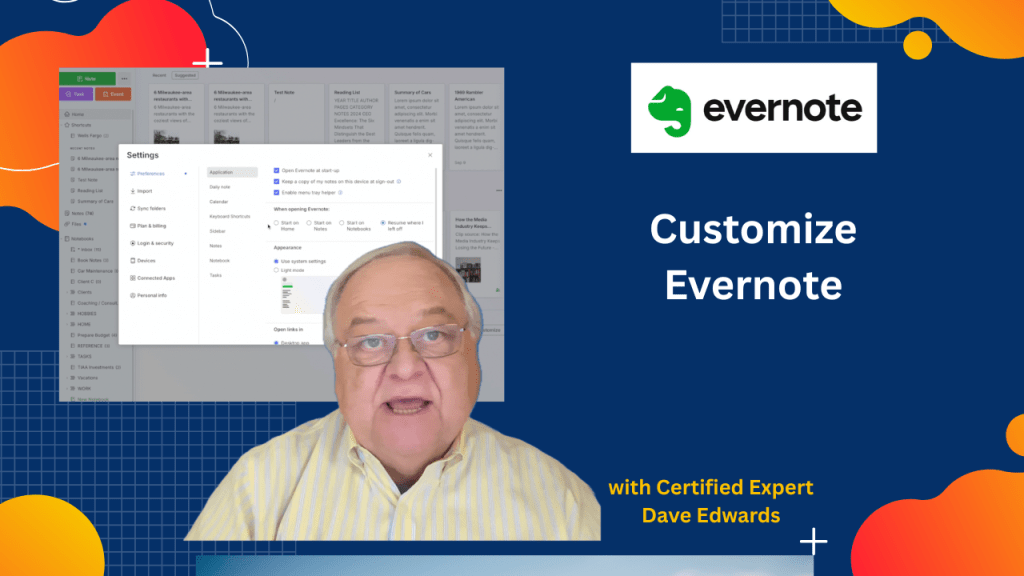
- Choose what Evernote shows when the app opens
- Set Evernote to open on home, notes, notebooks, or last note
- Evernote bug reporting uses the technical issues contact form
- Evernote release notes track bug fixes and updates
- Evernote help articles and forums offer support and workarounds

Evernote tips, Evernote settings, Evernote sidebar, customize Evernote, Evernote home screen, Evernote notes, Evernote notebooks, Evernote tasks, Evernote calendar, Evernote productivity, Evernote expert, Evernote bug report, Evernote technical issues, Evernote release notes, Evernote help
 Dave Edwards Media
Leave a comment