
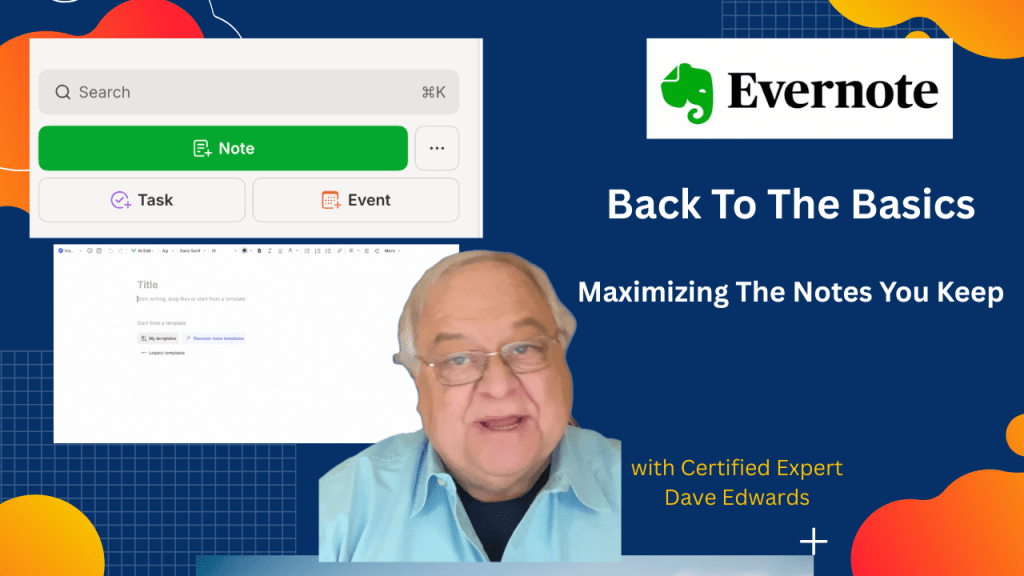
A simple Evernote note can hold text, tasks, audio, links, and much more. But how do you unlock all these tools without missing key steps? Let’s look at what most people skip.
Whether you are new to Evernote or just want to see how to use it more effectively, my course “Evernote For Beginners” will help.

- Evernote notes let you type, record audio, scan files, and store images.
- The Evernote note editor offers tools for headers, fonts, colors, and text formatting.
- You can add links, checklists, numbered lists, and bullet points inside any Evernote note.
- The Insert menu supports tables, dividers, attachments, quotes, and Google Drive links.
- Evernote tasks can be created inside a note and linked to your workflow.
- Templates help you set up repeat note layouts for faster Evernote use.
- You can add calendar events from inside a note to support planning.
- Evernote sharing lets you send a note or link to anyone, even non-users.
- Tags and reminders help you organize notes and stay on track.
- Evernote features like pinning, shortcuts, and note history improve long-term note management.

Evernote tips, Evernote guide, Evernote notes, note editing tools, Evernote tasks, Evernote templates, Evernote formatting, create a note, Evernote table feature, Evernote sharing, Evernote audio notes, Evernote workflow, Evernote features, Evernote organization
 Dave Edwards Media
Leave a comment