
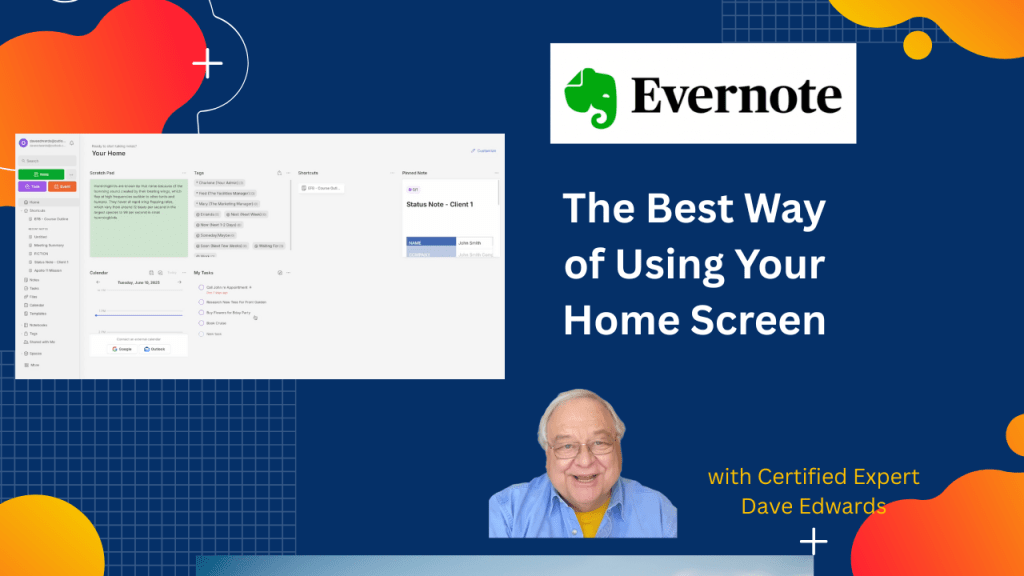
Your Evernote home screen may be holding back your focus. Setting up correctly will boost your productivity.
I can help you build a simple Evernote setup that fits the way you work. You get one-on-one coaching where I review your notes, spot gaps, and guide you toward a cleaner flow. I share my screen to show clear examples and help you shape a system that feels natural. You walk away with a setup you trust and a plan that helps you stay on track every day. Find out more at www.DaveEdwardsMedia/Evernote

- Evernote home screen setup shapes your daily productivity and focus.
- Custom widgets help you track notes, tasks, and key info fast.
- The Customize button lets you add, move, or remove any widget.
- Sticky note widgets give quick space for ideas in different colors and sizes.
- Notebook and pinned note widgets keep core work one click away.
- Recently captured notes show new clips and uploads in real time.
- Filtered notes highlight saved searches for fast access to key data.
- You can change background images and colors to fit your style.
- Hiding the header and slash hints gives a clean note view for deep focus.
- Collapsing the sidebar and using dark mode cuts screen noise and boosts attention.

Evernote home screen, Evernote setup, Evernote widgets, Evernote focus mode, Evernote productivity tips, customize Evernote, Evernote layout, Evernote deep focus, Evernote sidebar, Evernote dark mode
 Dave Edwards Media
Leave a comment