
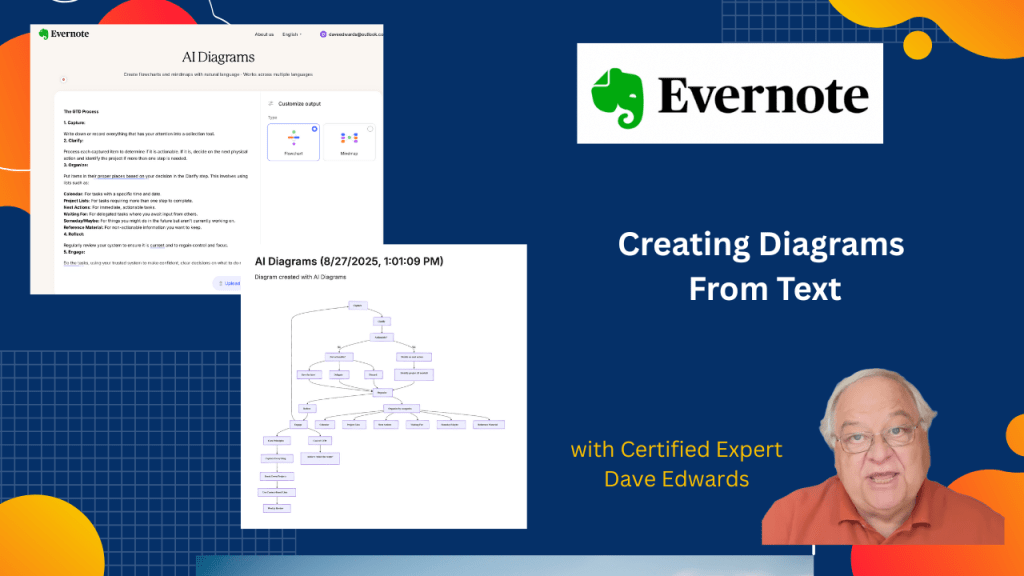
Evernote is known for its note-taking capabilities, but what you may not know is that it can also convert text into helpful diagrams.
I can help you build a simple Evernote setup that fits the way you work. You get one-on-one coaching where I review your notes, spot gaps, and guide you toward a cleaner flow. I share my screen to show clear examples and help you shape a system that feels natural. You walk away with a setup you trust and a plan that helps you stay on track every day. Find out more at www.DaveEdwardsMedia/Evernote

This video explains how Evernote turns text notes into clear visual diagrams using AI tools. It shows how AI Diagrams create flowcharts and mind maps from pasted text. The example uses the Getting Things Done system to show structure and clarity. The video also explains Evernote printing options and fixes common print problems. It ends by inviting viewers to ask questions and explore Evernote coaching.
- Evernote AI Diagrams converts text notes into flowcharts and mind maps for better visual understanding.
- The AI diagram tool runs on a separate Evernote website, not inside the main app.
- Users can paste text or upload files to create diagrams quickly.
- The video uses the GTD Getting Things Done method as a clear example.
- Flowcharts show GTD steps like capture, clarify, organize, and decide next actions.
- Mind maps display GTD ideas around a central theme for broad review.
- Finished diagrams can be saved to Evernote, copied, or downloaded.
- Evernote treats AI tools as sandbox features for testing new ideas.
- The video explains how to print Evernote notes with better scale and layout control.
- Users can print multiple Evernote notes at once using standard menu options.

Evernote AI diagrams, Evernote note taking, Evernote productivity, Evernote features, Evernote flow chart, Evernote mind map, Evernote printing, Evernote tools, Evernote tips, Evernote organization, Evernote system, AI diagram tool, AI flow chart creator, AI mind map generator, Evernote for students, Evernote tutorial, Evernote training, Evernote coaching, Evernote customization
 Dave Edwards Media