
Mobile Evernote users have been waiting. The update you didn’t think would come is here.
Find out more about “Evernote Beyond the Basics,” a step-by-step course designed to help you unlock the full power of Evernote and turn it into your all-in-one productivity system. Whether you’re managing projects, tracking goals, or organizing your personal life, this course shows you exactly how to do it—with real examples, practical templates, and clear explanations.

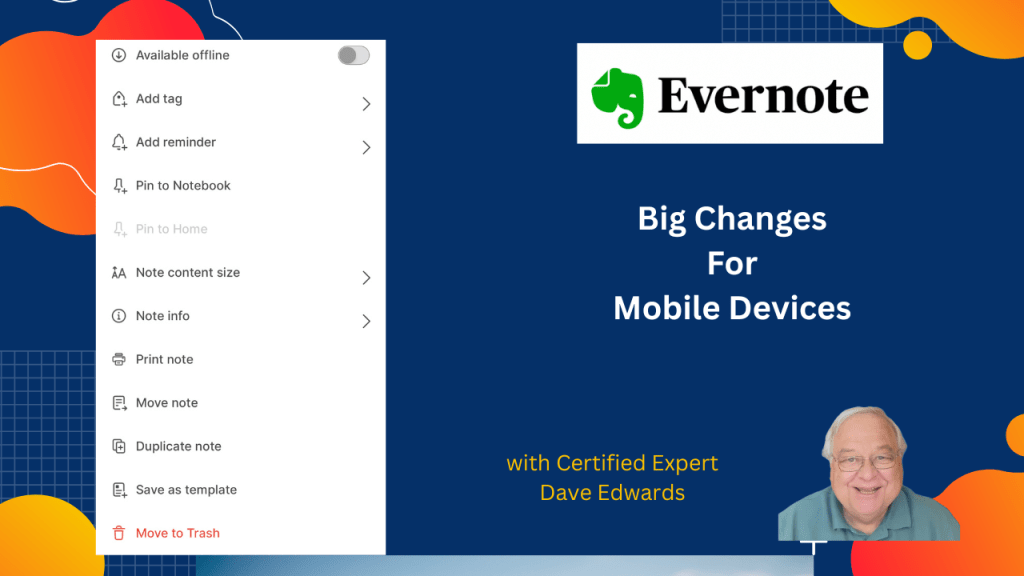
- Evernote mobile update introduces long-awaited desktop features
- Users can now manage multiple notes on Evernote mobile
- Evernote search improvements now available on iOS and Android
- Refreshed Evernote toolbar adds better mobile usability
- Updated Evernote insert menu brings a new mobile design
- Evernote mobile app allows moving, deleting, and tagging notes
- Copying note links and editing shortcuts works on mobile
- Offline note availability now supported in Evernote mobile update
- Evernote account access is more intuitive with logout options

Evernote mobile update, Evernote new features, Evernote productivity tips, Evernote expert, Evernote consulting, Evernote multiple notes, Evernote search improvements, Evernote toolbar refresh, Evernote insert menu, Evernote on iOS, Evernote on Android, Evernote mobile tricks, Evernote app update, Evernote productivity tools, Evernote note management
 Dave Edwards Media
Leave a comment