
Let me help you become more productive using Evernote.
I can show you how to build a productivity system using the Evernote application. Maybe you’ve tried other methods that have failed, or perhaps you have tried Evernote before but found it difficult to set up. I can help.

With one-on-one coaching, I can look at your system and make suggestions on how to improve its design and use. I will show you my Evernote screen to demonstrate examples. This is not a cookie-cutter course. This is two of us building a system that will boost your productivity. Email me, and we can set up a FREE 30-minute call so I fully understand your needs and tell you how I can help.
I’ve used Evernote as the core of my productivity system for over a decade. While I don’t work for the company, Evernote has certified me as an “Evernote Expert” to help you design and use your system.

If you don’t need customized help, check out my online course, “Evernote for Beginners”. It walks you through how to set up the app and demonstrates all of its functions. I show you my system and how I use it. The course is perfect for the beginner as well as anyone who wants to make sure they are getting the most from the app.
Once you have your Evernote system up and running, take your productivity to the next level with “Evernote: Beyond The Basics.” It’s your comprehensive guide to all of the features of the app.
I also post videos to help you navigate the latest features on Evernote.
Contact me for more information on how we can best work together.
Recent Blog Posts About Evernote

A Better Way to Save Links in Evernote
Most people save a web link in Evernote the same old way. But you can change how those links appear inside your notes. Plus, organizing…

How To Use Evernote’s Language Translation Feature
Evernote users can record audio in notes, get instant transcripts, and translate text into many languages with auto detection

I Quit My Task App for Evernote’s…Here’s Why
Picking the wrong task manager can waste hours every week. Before you commit, see how Evernote’s Task Manager stacks up against the competition.

How To Customize Your Evernote Screens
Some people like to modify the way Evernote looks. Let’s look at two ways to improve your Evernote experience.
A Few More Changes to Evernote
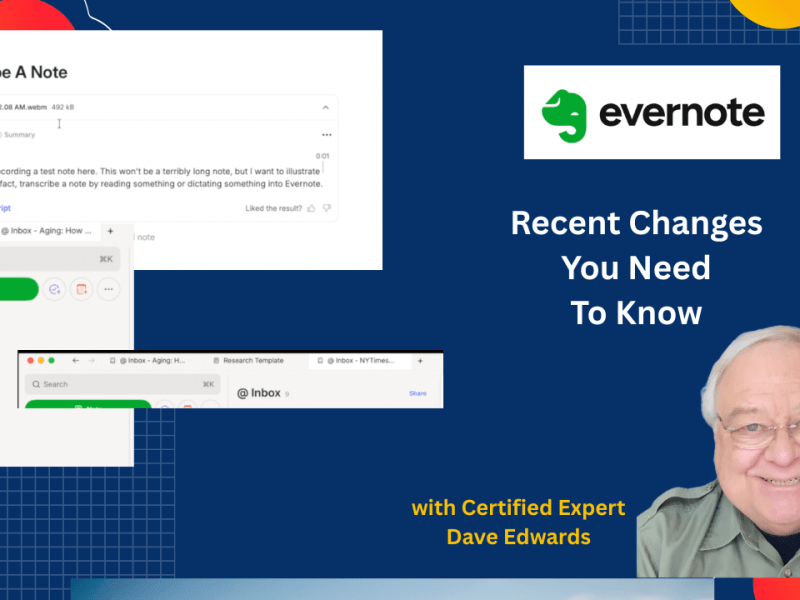
Evernote has made several more changes to the app that you may have missed. One solves a huge transcription problem.
Different Ways of Sharing Notes
If you want to share something that you are working on inside of Evernote, there’s a simple way to do it. You can also give…
 Dave Edwards Media